
Erase Anything. Reconstruct What's Behind It.
Click an object or brush over it, and Pluto Photos removes it — along with the shadow it cast — and rebuilds the background behind it. One purpose-built generative model, running entirely on your own machine.
- Shadows tooRemoves what the object cast, not just the object
- Click or brushTwo ways to select an object
- ~2.6GBOne-time model download, then offline forever
- 100%Local — no cloud, no credits, no per-image fees
Click it, and it's outlined for you
An on-device segmentation model finds the object's edges the instant you click — no careful tracing required.
Brush mode for anything irregular
Partial removals, several objects at once, or an odd shape — paint exactly the area you want gone.
The shadow goes with it
The model works out what the object was doing to the scene and repairs that too — including pixels outside the area you selected.
Reconstructs, doesn't blur
A generative model fine-tuned for removal rebuilds brick, foliage, water and busy scenes with real texture where the object used to be.
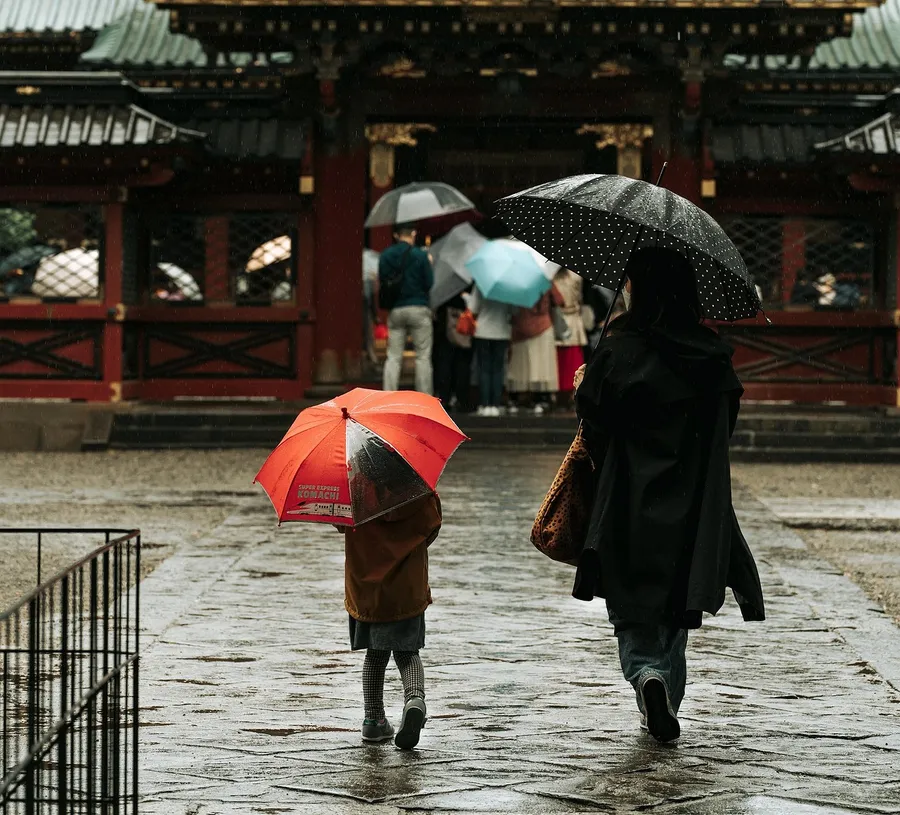 Before
 After
AfterPluto Photos can remove unwanted objects, people, and distractions from a photo — and intelligently reconstruct what should be behind them. Not a smudge, not a blur: real texture, structure, and detail rebuilt where the object used to be.
Two Ways to Select
- Click to select — Click anywhere on the object and an on-device AI segmentation model outlines it automatically
- Brush mode — For irregular shapes, partial removals, or several objects at once, paint exactly the area you want gone
One Engine, Built For This One Job
There is no engine picker and nothing to choose between. Every removal runs through the same generative diffusion model — one that was fine-tuned specifically for object removal rather than borrowed from a general-purpose image generator. That focus is why it can rebuild the hard backgrounds that defeat a simple patch-and-blur: brick, foliage, patterned fabric, water, busy street scenes.
It is a one-time ~2.6 GB download, verified and cached on your machine. After that it runs entirely offline, forever — no cloud processing, no credits, no per-image fees, no subscription.
It Removes the Shadow Too
This is the part most erasers miss. Take away a person and you are usually left with their shadow, their reflection in the window behind them, and a faint halo where their outline used to be — a picture that looks edited even though the object is gone.
Pluto Photos' model is effect-aware: it understands what the object was doing to the scene, and decides for itself which pixels need repairing. That routinely reaches past the area you selected, so you don't have to carefully paint over a shadow you'd rather not think about.
Why It's Different
Most "magic eraser" tools either need an internet connection, watermark the result, or drop to an obvious blurry patch on anything more complex than a plain sky. Pluto Photos runs the whole thing locally — your photos never leave your machine — and genuinely reconstructs texture and structure rather than approximating it.
Use Cases
- Remove strangers, power lines, or trash cans from travel and landscape photos
- Clean up product shots by erasing distracting background clutter
- Take out timestamps, watermarks, or sensor dust spots
- Erase photobombers without cropping the rest of the shot
Technical Details
- Click-to-select segmentation runs on CPU — no GPU required
- The fill model uses your graphics card where one is available (DirectML on Windows, Core ML on Apple Silicon); around 20 seconds per removal on a mid-range GPU
- One-time ~2.6 GB download, verified against a published checksum and cached locally
- Works on JPEG, PNG, WebP, HEIC, and more
- Fully non-destructive — exports as a new copy, your original is untouched
Try Object Removal in Pluto Photos
Download free for Windows, macOS, or Linux. Object Removal is available in the Pro tier.