
Photo Organizer
Pluto Photos is a desktop photo organizer that points at the folders you already have and turns them into a searchable, self-sorting library, without asking you to upload anything first.
- 20,000+photos per library, tested
- 100%processing stays on your machine
- $29once, not per month
What Is Pluto Photos?
Pluto Photos is a desktop app for Windows, Mac and Linux that organizes, searches and edits a photo and video library that lives on your own drive. Point it at a folder, or several, including an external or network drive, and it imports what's there, reads the real capture date and GPS location out of each file, and builds a searchable library around it.
It is not a cloud service with a desktop app attached. There's no required account, no upload step, and no monthly fee for the desktop app itself. You buy it once for $29, or use a free tier capped at 500 photos, and the library stays exactly where you put it.
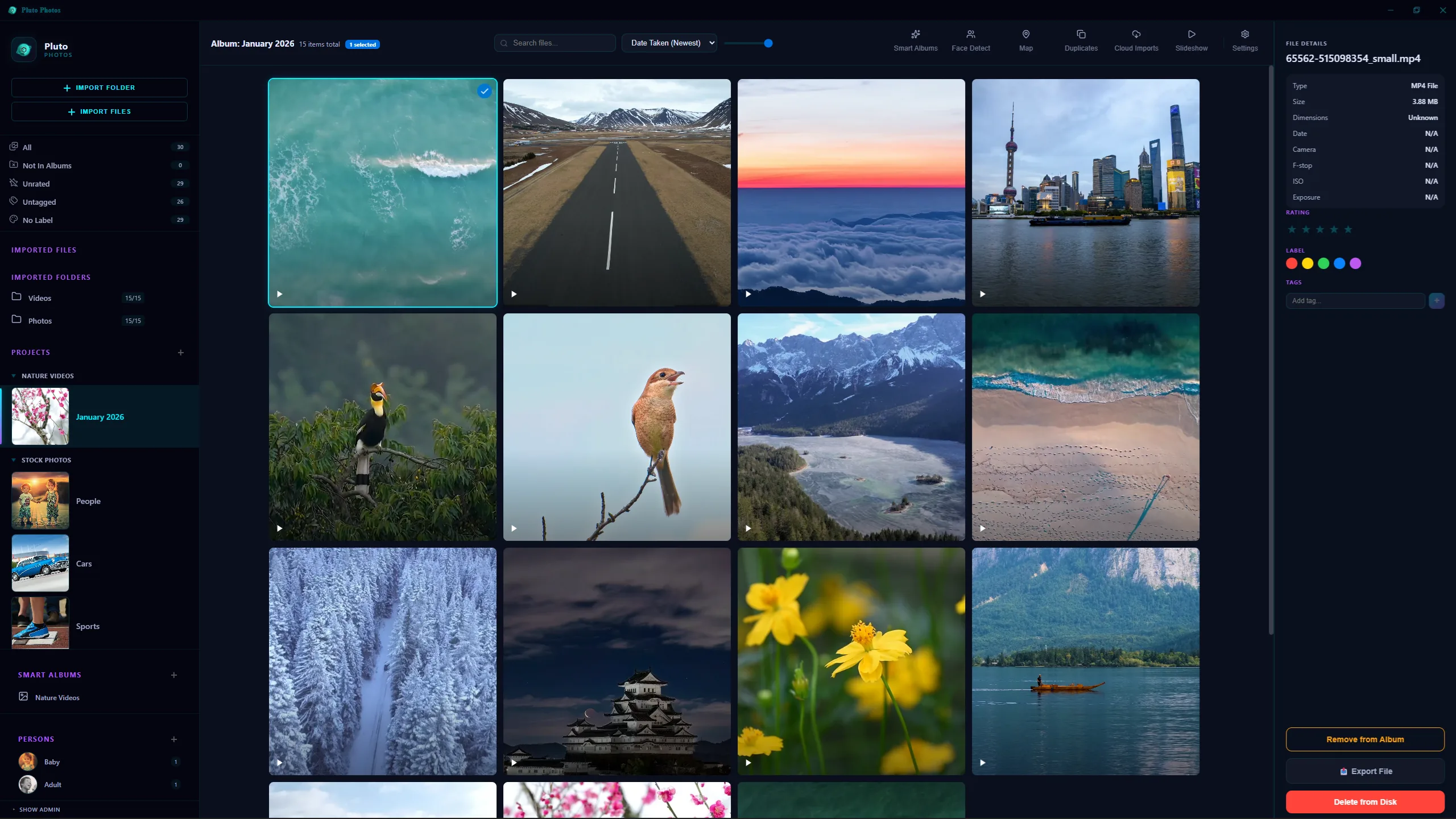
Organize Photos Automatically
Import doesn't just copy files in. Pluto Photos reads each photo's real metadata once at import time, so your library is date-sorted, geotagged and ready to search within the same pass that generates its thumbnail, not hours later as you happen to scroll past each photo.
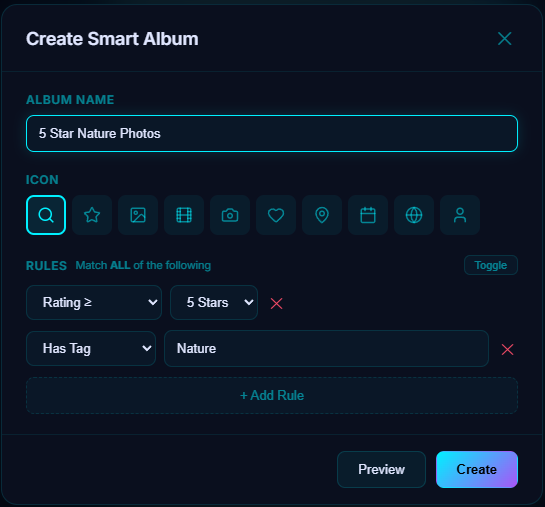
From there, smart albums keep sorting on their own: a rule like "person is Mia, taken after June" builds a live album that updates itself as new matching photos come in. Tags, star ratings and color labels handle the organizing you want to do by hand.
AI-Powered Photo Search
Type what you remember, not what you named the file. Pluto Photos indexes every photo with a local AI model and matches plain descriptions like "dog on a beach" or "birthday cake" against your actual library, no tags required. It runs the same way face detection does: entirely on your computer, so a search never leaves your machine.
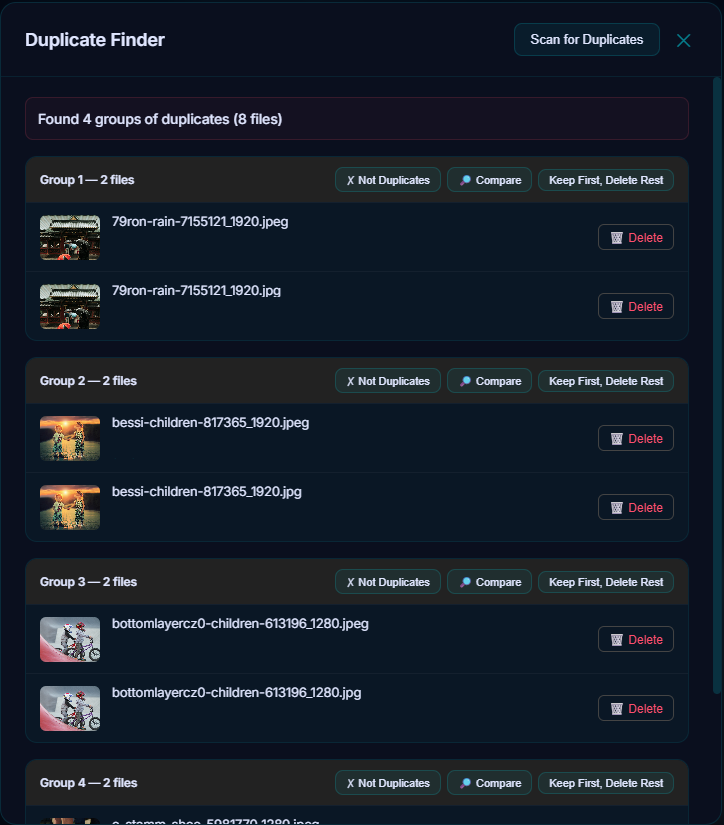
Find and Remove Duplicate Photos
The duplicate finder doesn't just match identical files. It uses perceptual hashing to catch a resized copy, a re-export at a different quality, or three near-identical shots from a burst, then lets you compare them side by side and delete the extras with a couple of clicks.
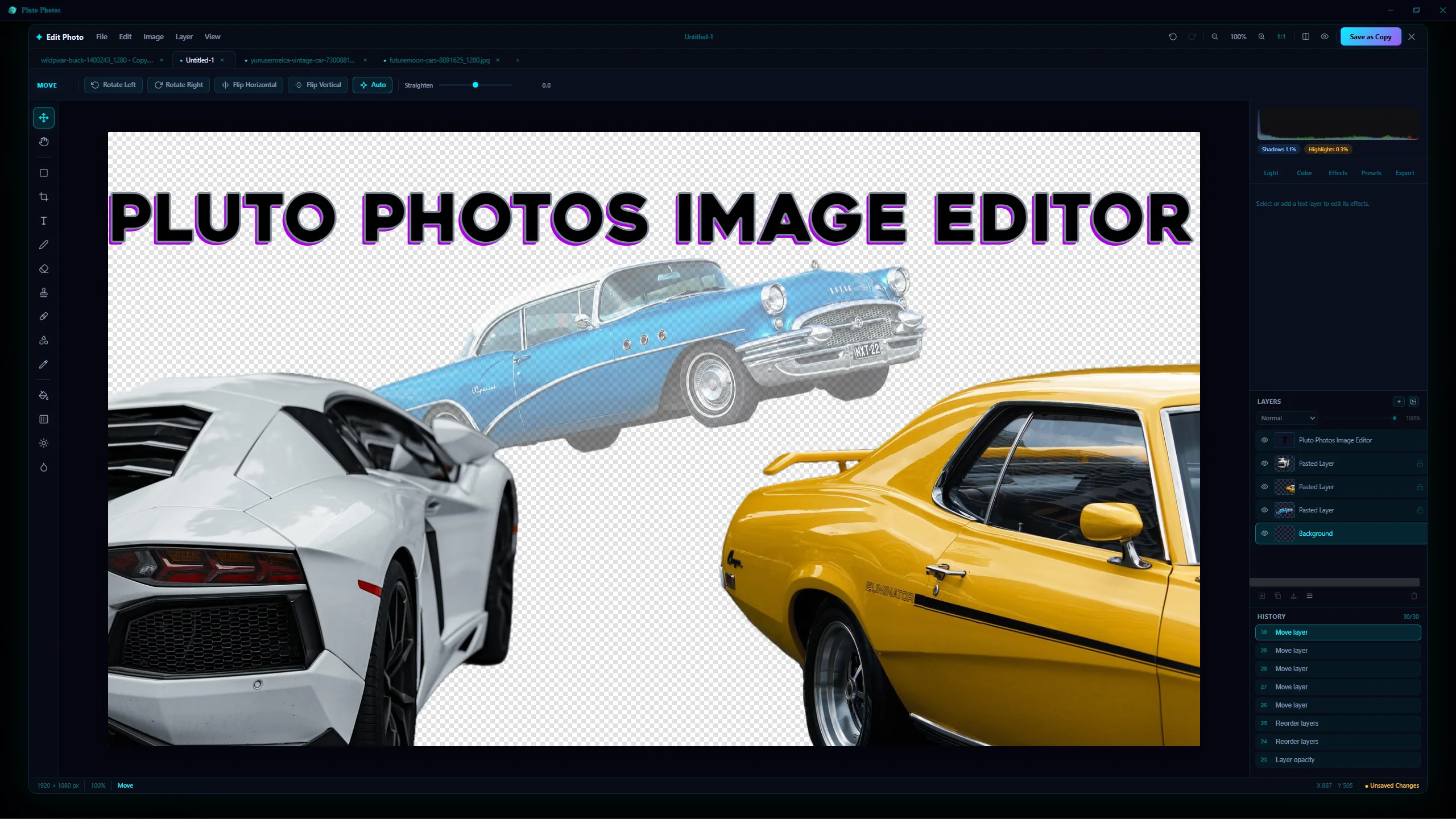
Edit Photos and Videos
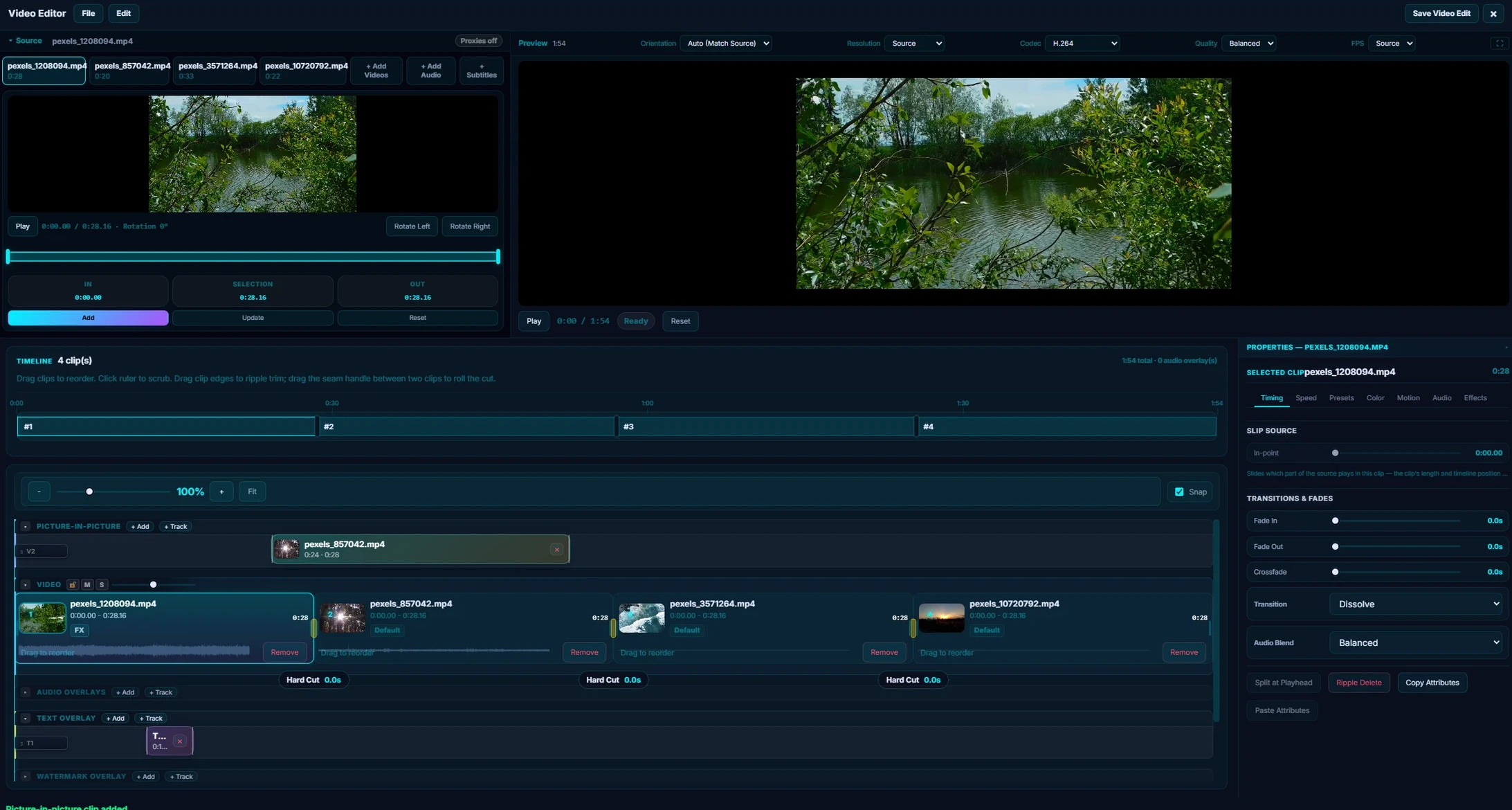
The photo editor has layers, masks, blend modes, curves, an AI object-removal brush and 57 filters. The video editor cuts multi-clip timelines with color grading and effects. Both run locally, and neither requires a subscription on top of the $29 you already paid.
Find People and Pets Automatically
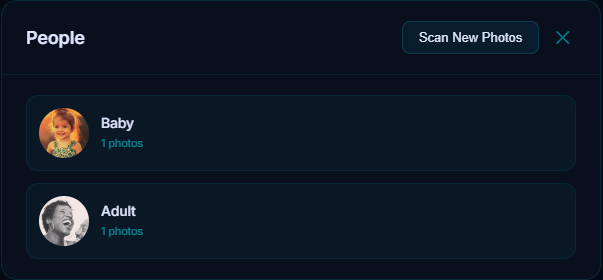
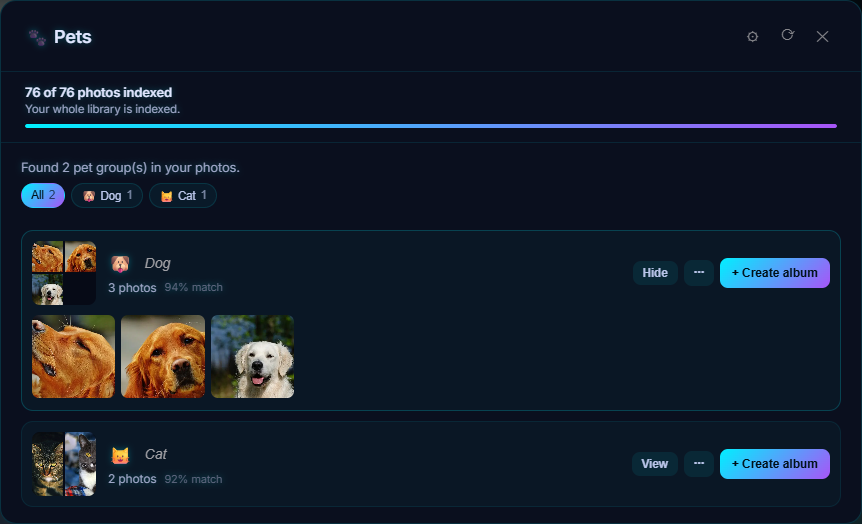
Face detection scans your library, groups the same person across years of photos, and lets you name them once. Pets are recognized too. Faces and pets are matched on your computer, so nothing about who is in your photos is ever sent anywhere, and your naming work is kept when you rescan.
See Your Photos on a Map
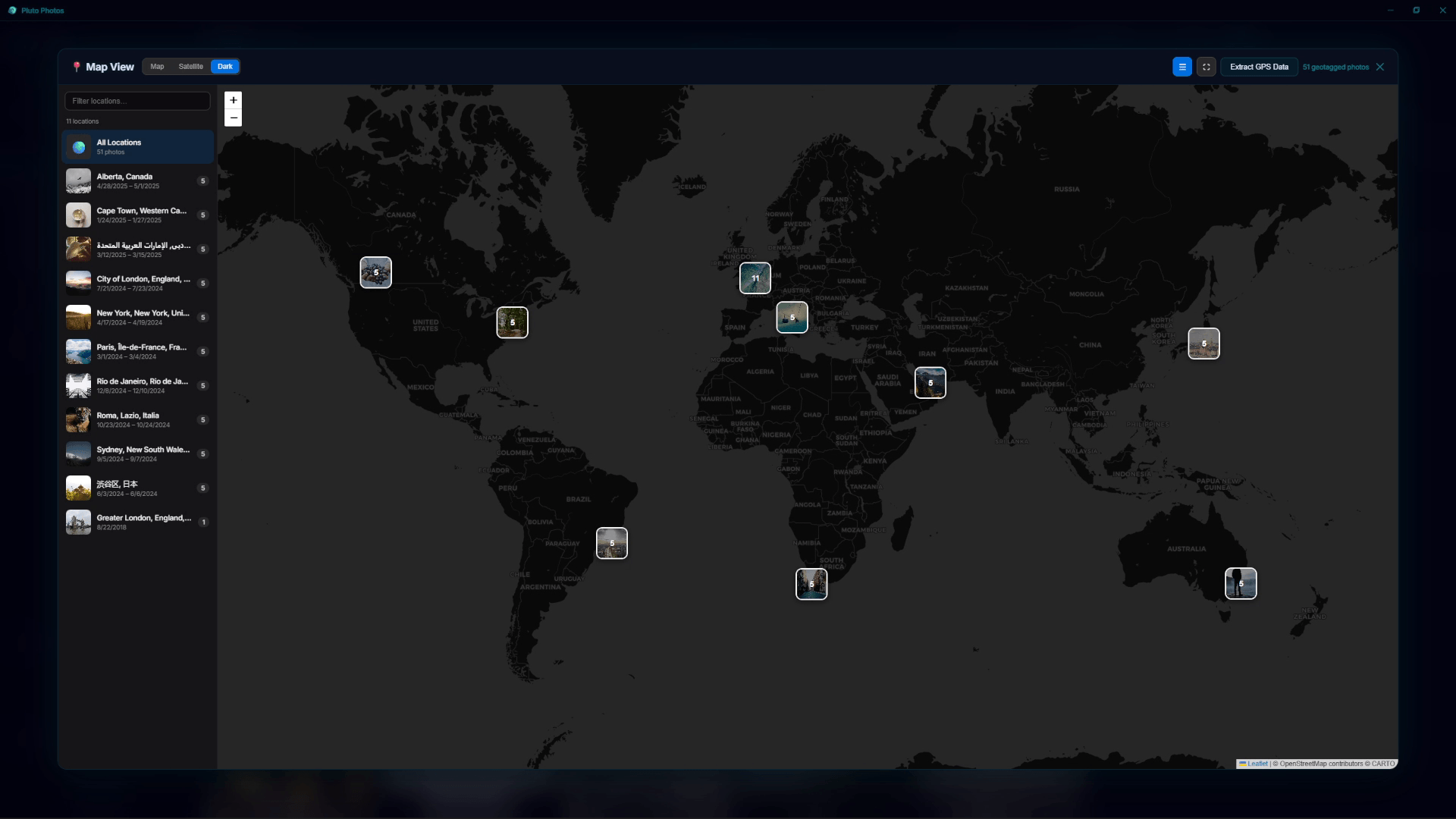
Photos that carry GPS data are placed on a map view you can browse by place, and they are grouped into trips by where and when they were taken. Dates and locations are read once at import, so the map is ready as soon as the library is.
Bring Your Photos From Anywhere
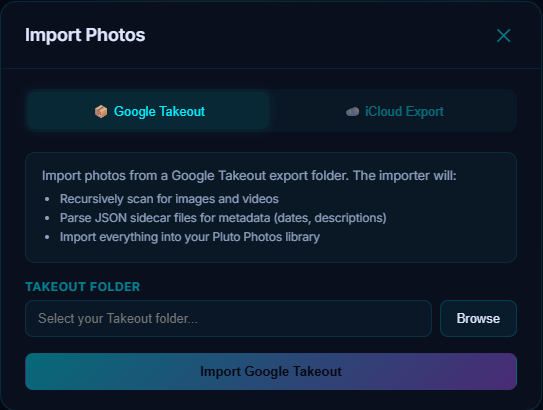
Point Pluto Photos at folders, external drives or network shares, or use Cloud Import to bring in a Google Photos export with the original capture dates intact. Nothing is moved or copied unless you ask for it, so your folders stay as they are.
Browse and Back Up From Your Phone
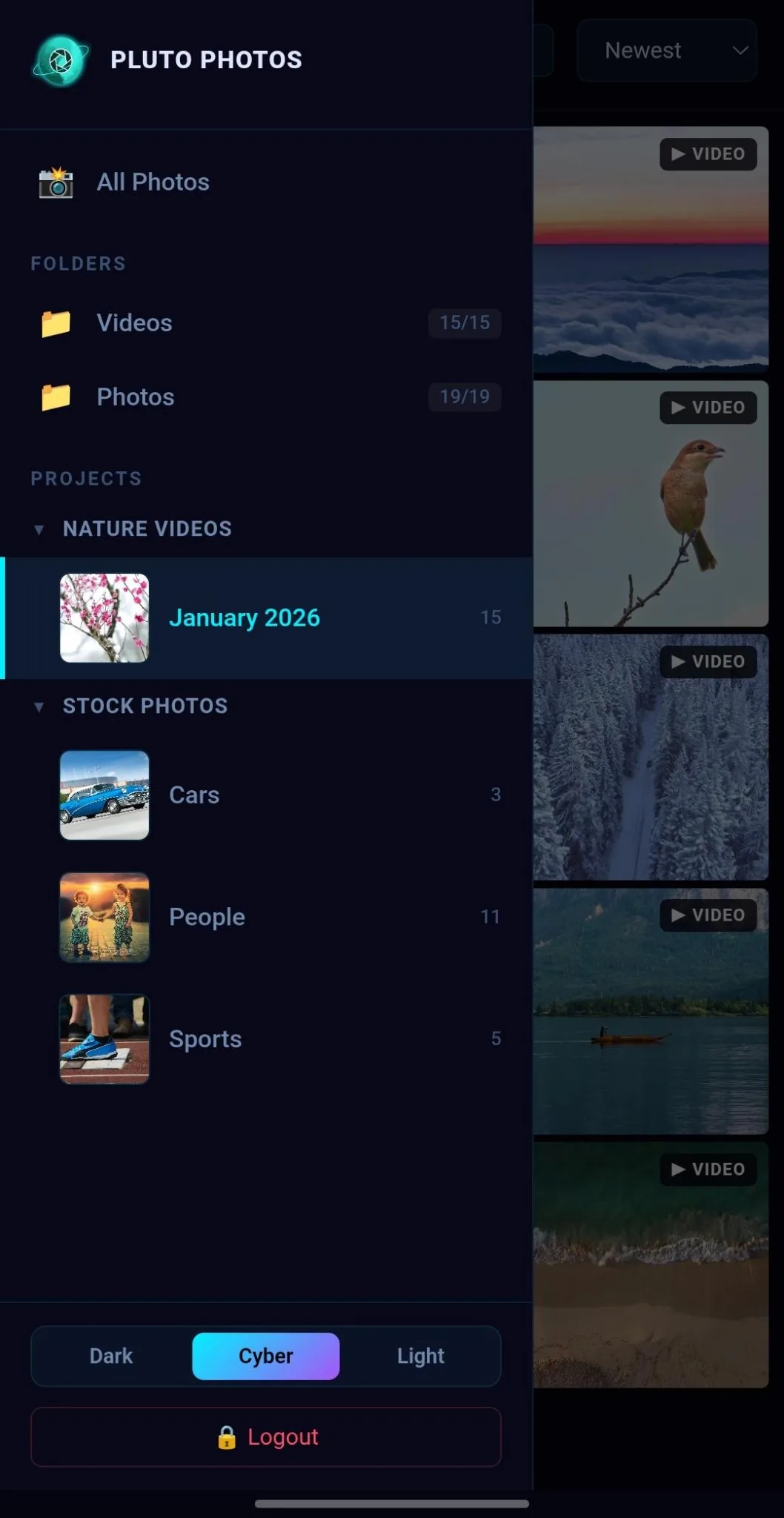
The Mobile Companion app pairs with your computer and lets you browse your whole library from your phone and back up its photos over your own network, with no cloud in between. Any other device on your network can open the library in a browser through the companion browser.

Works Offline, On Large Libraries
Everything above, including the AI, runs without an internet connection. Pluto Photos is built and measured against libraries in the tens of thousands of files, not a demo folder of twenty vacation photos, see the system requirements for what that takes.
Windows, Mac and Linux
Frequently Asked Questions
Does Pluto Photos require the cloud?
No. Import, search, face detection, editing and every other feature run locally, and no photo ever touches Pluto Photos' servers. A connection is needed to activate a Pro license and for its periodic (roughly monthly) license check, but being offline doesn't stop you from using the app.
How is this different from Google Photos?
Google Photos stores your library on Google's servers and charges monthly once you pass the free storage limit. Pluto Photos keeps your library on your own drive and charges $29 once. See the full comparison at Google Photos alternative.
Can it handle a really large library?
Yes. It's built for libraries in the tens of thousands of photos and videos, with thumbnails generated at import so the library is browsable immediately rather than after a slow first scroll.
What does the free version include?
Up to 500 photos, one library, tags, ratings, albums and export. The AI features, unlimited library size, the editor and batch operations are part of Pro ($29 once).
Can I use it from my phone?
Yes. The Mobile Companion app browses your library and backs up the photos on your phone over your own network. Browsing is free, and automatic backup and the other smart tools are a separate optional monthly add-on.
Does it move or change my files?
No. Your photos stay in the folders you chose. Pluto Photos reads them and keeps its own catalog, and it only writes to a file when you ask it to, such as when you save an edit or rename.
Try it before you decide
Free up to 500 photos, no account needed. Windows, macOS and Linux. Pro is $29, once.