
How to Fix White Balance and Remove a Color Cast
Choose the Eyedropper tool, switch it to White balance, and click something in the photo that should be neutral grey or white. The Temperature and Tint sliders adjust to remove the cast. Fine-tune them in the Color tab.
Requires Pluto Photos Pro (one-time $29, no subscription). The free download includes a 30-day trial of every Pro feature.
#1. Spot the color cast
A color cast is a tint over the whole photo. This shot was taken in warm indoor light, and the orange cast turns the whites and greys yellow.
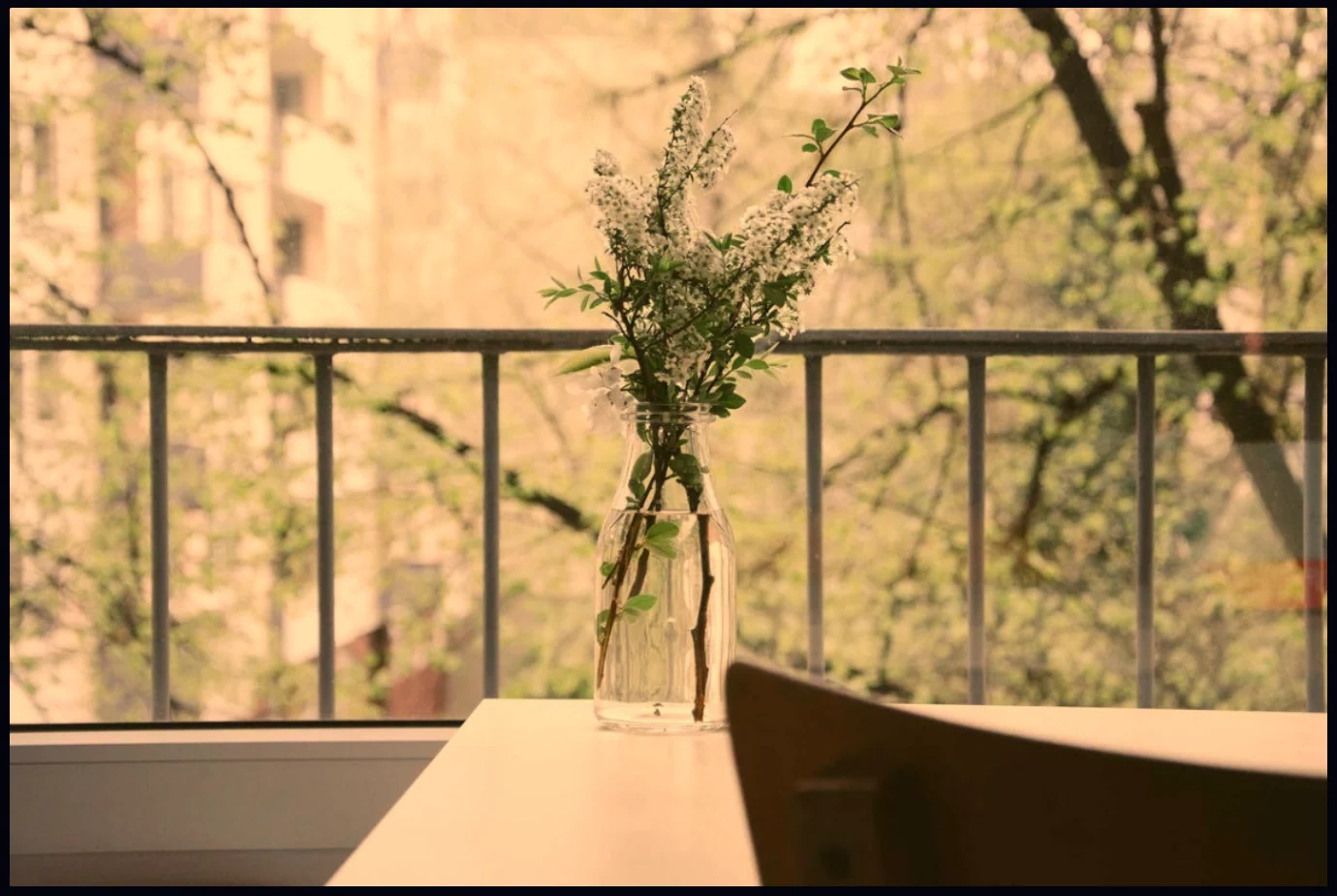
#2. Pick the Eyedropper and choose White balance
Click the Eyedropper tool in the toolbar, or press I. The options bar has two modes, Pick color and White balance. Choose White balance. The hint next to it says to click something that should be neutral grey or white.

#3. Click something that should be neutral
Click a part of the photo you know is grey or white in real life, like a white wall, a grey sidebar or a sheet of paper. Here the pale grey window ledge on the left works well. The editor works out how much blue or green to add and moves the Temperature and Tint sliders for you.
Don't click anything that is really colored, such as the wooden table. It would take out too much warmth.
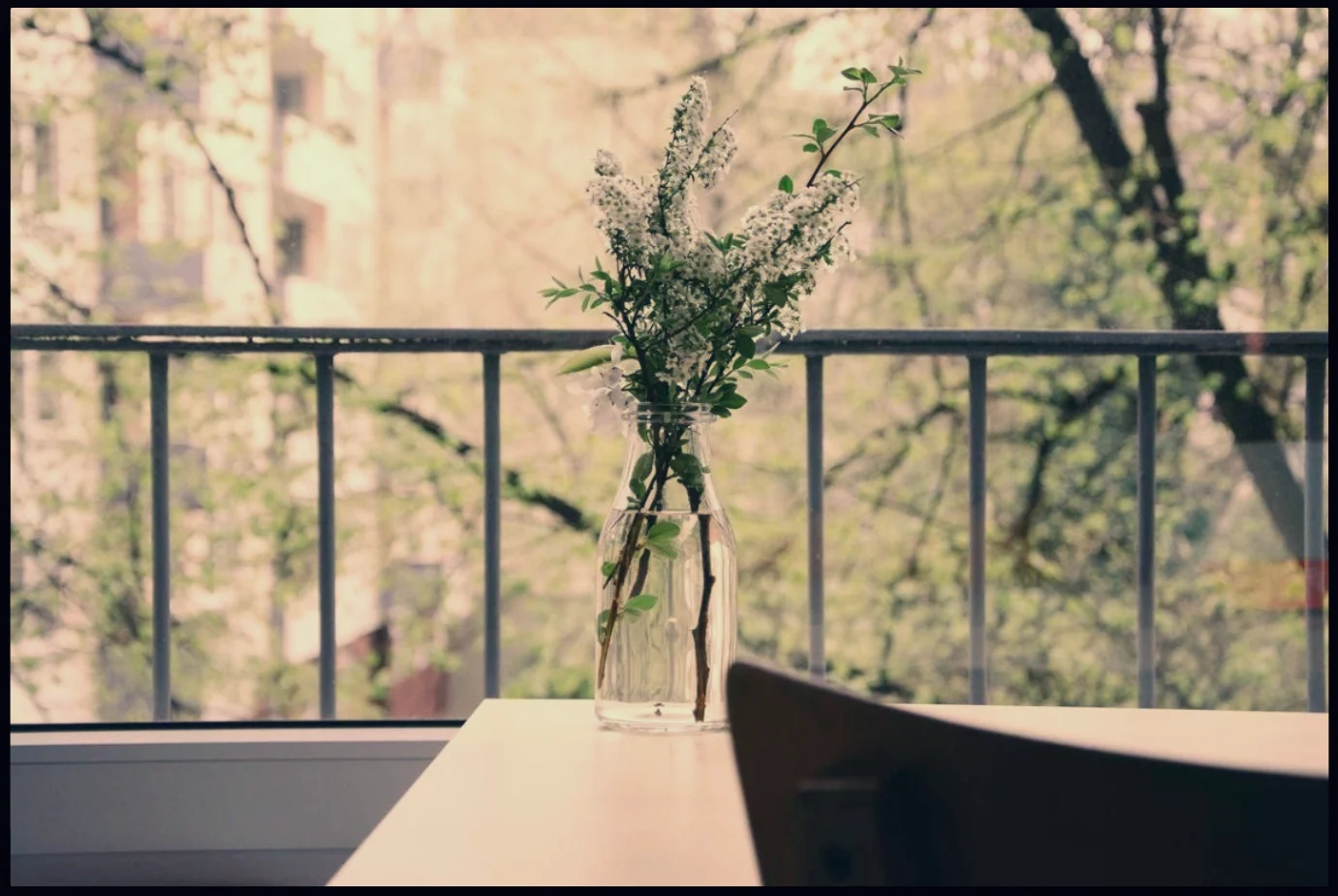
#4. Fine-tune Temperature and Tint
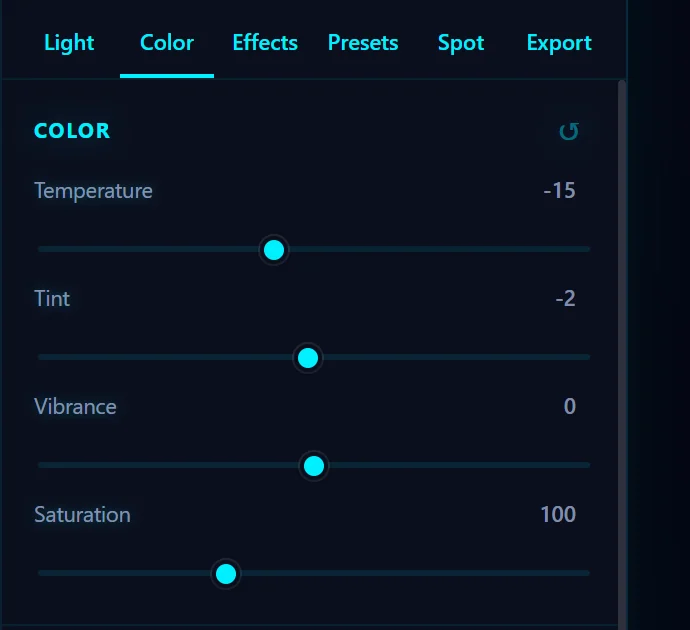
Open the Color tab. Temperature moves the photo between cool blue and warm orange, and Tint moves it between green and magenta. Both run from -100 to +100. Adjust them to taste. A slightly warm photo often looks nicer than a perfectly neutral one.
#Tips
- If you can't find anything neutral, skip the eyedropper and move Temperature and Tint by eye.
- Try clicking a few different places and compare. Each click starts from the current state, so press Ctrl+Z between tries.
- Golden-hour warmth and cool blue-hour tones are often what you want, so only correct a cast when it looks wrong.
#Questions
- What is white balance?
- White balance is the color temperature a photo is set to. When it is wrong, whites and greys pick up a tint, usually orange under indoor light or blue in shade.
- How do I remove an orange tint from a photo?
- Use the Eyedropper in White balance mode and click something that should be grey or white, or lower the Temperature slider in the Color tab.
- What does the Tint slider do?
- Tint shifts the photo between green and magenta. It corrects the green cast you get from fluorescent lights.
About the photo editor · Pricing · Download Pluto Photos · Contact support