
How to Export a Vertical 9:16 Video for TikTok, Reels and Shorts
Trim your clip and add it to the timeline, set Orientation to Portrait and Resolution to 1080p FHD in the bar above the preview, then click Save Video Edit. The result is a 1080×1920 MP4. A landscape clip is fitted inside the frame with black bars.
Requires Pluto Photos Pro (one-time $29, no subscription). The free download includes a 30-day trial of every Pro feature.
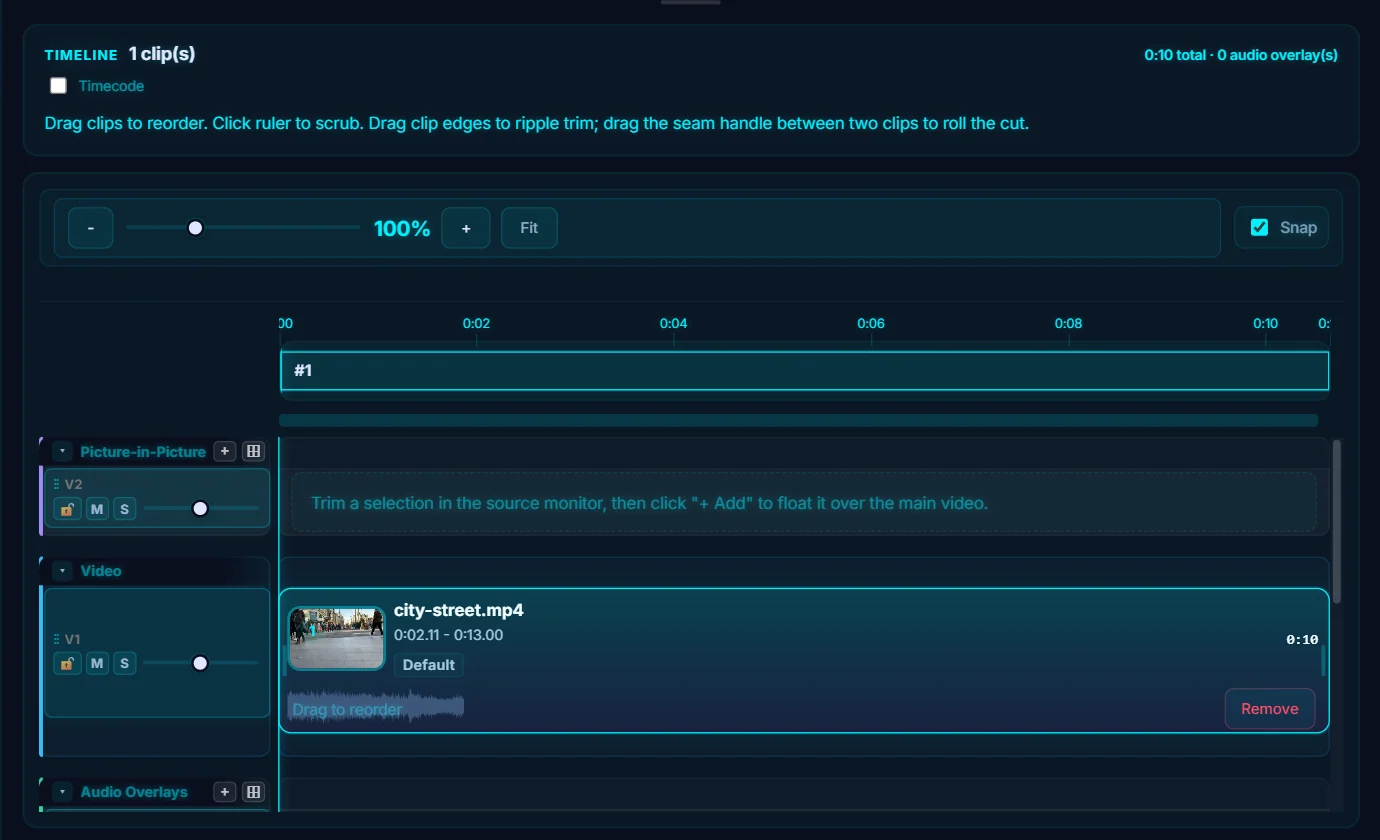
#1. Trim the clip and add it to the timeline
Open the video in the editor, drag the handles to choose the part you want and click Add, as in how to trim a video. Short-form video works best when it's short, so cut hard.
#2. Set Orientation to Portrait
In the bar above the preview, open Orientation (it starts on Auto (Match Source)) and choose Portrait. The other choices are Landscape and Auto.

#3. Choose 1080p resolution
Set Resolution to 1080p FHD. In portrait that means 1080 pixels wide by 1920 tall, which is the standard 9:16 shape. Leave Codec on H.264 for the widest compatibility.

#4. Click Save Video Edit and check the result
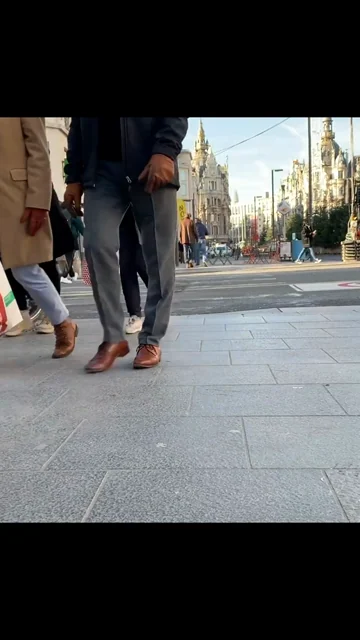
Click Save Video Edit. The exported file is a 1080 × 1920 H.264 MP4 with AAC audio. A landscape clip is fitted inside the tall frame with black bars above and below, as in this frame from the exported file. This tutorial tested a landscape clip, so check a vertical one in your own export.
#Tips
- Landscape footage always leaves bars in a vertical video. If you plan to post vertically, film vertically.
- Many people watch with the sound off, so import subtitles or add text in the middle of the frame, away from the platform buttons.
- You can add music with Add Audio. Check the platform's rules on music before you post.
- Each platform sets its own maximum length and file size, so check the current limits.
#Questions
- What size is a vertical video for TikTok, Reels and Shorts?
- The usual shape is 9:16, which at 1080p is 1080 × 1920 pixels. That is what Orientation: Portrait with Resolution: 1080p FHD exports.
- Why are there black bars on my vertical video?
- The source clip is landscape, so it is fitted inside the tall frame, with bars above and below.
About the photo editor · Pricing · Download Pluto Photos · Contact support