
How to Make a YouTube Thumbnail: Cutout, Shadow and Bold Title
Create a YouTube Thumbnail document (1280×720), place a background photo and a cutout subject as layers, give the cutout a drop shadow, then add a heavy title with a stroke and shadow from Text Effects.
Requires Pluto Photos Pro (one-time $29, no subscription). The free download includes a 30-day trial of every Pro feature.
#1. Create a YouTube Thumbnail document
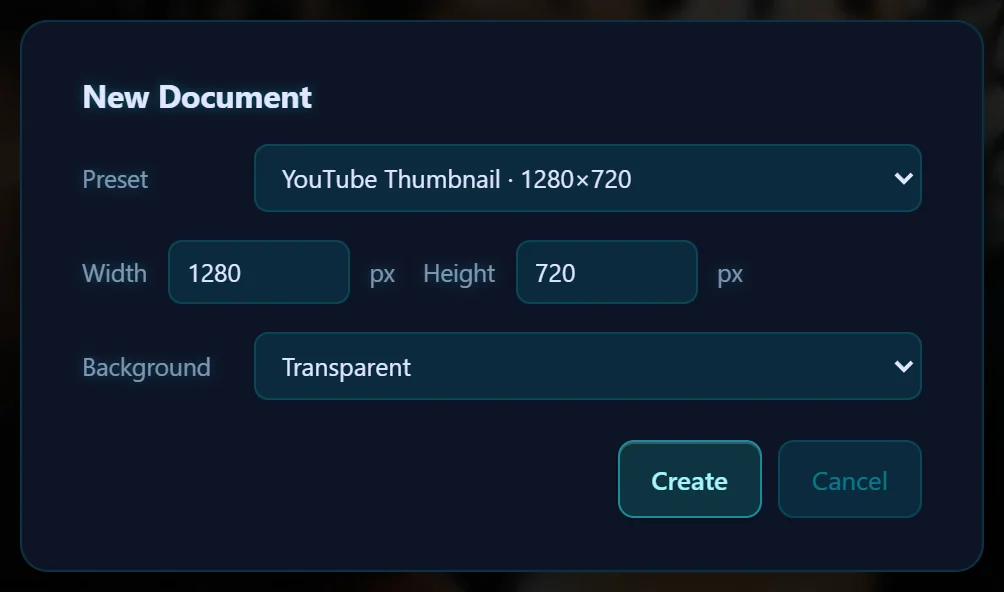
In the editor, choose File > New Document… and pick YouTube Thumbnail · 1280×720 from the Preset menu. Choose a background and click Create.
#2. Place a background photo
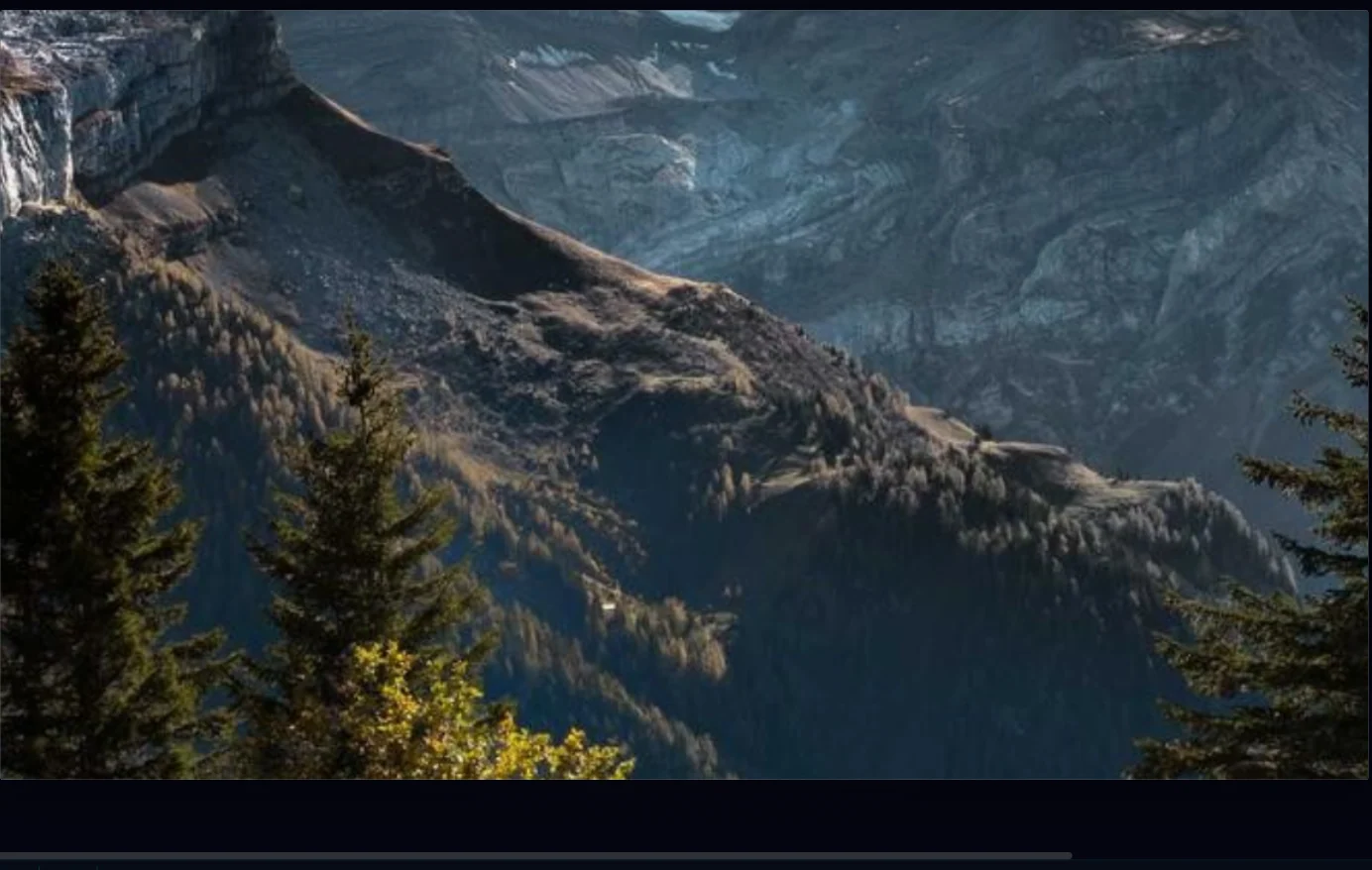
Choose File > Place Image… and pick a photo. It arrives as a layer with a frame. Drag it to the corner of the canvas, then drag the corner handle until it covers the whole canvas.
#3. Add a cutout subject
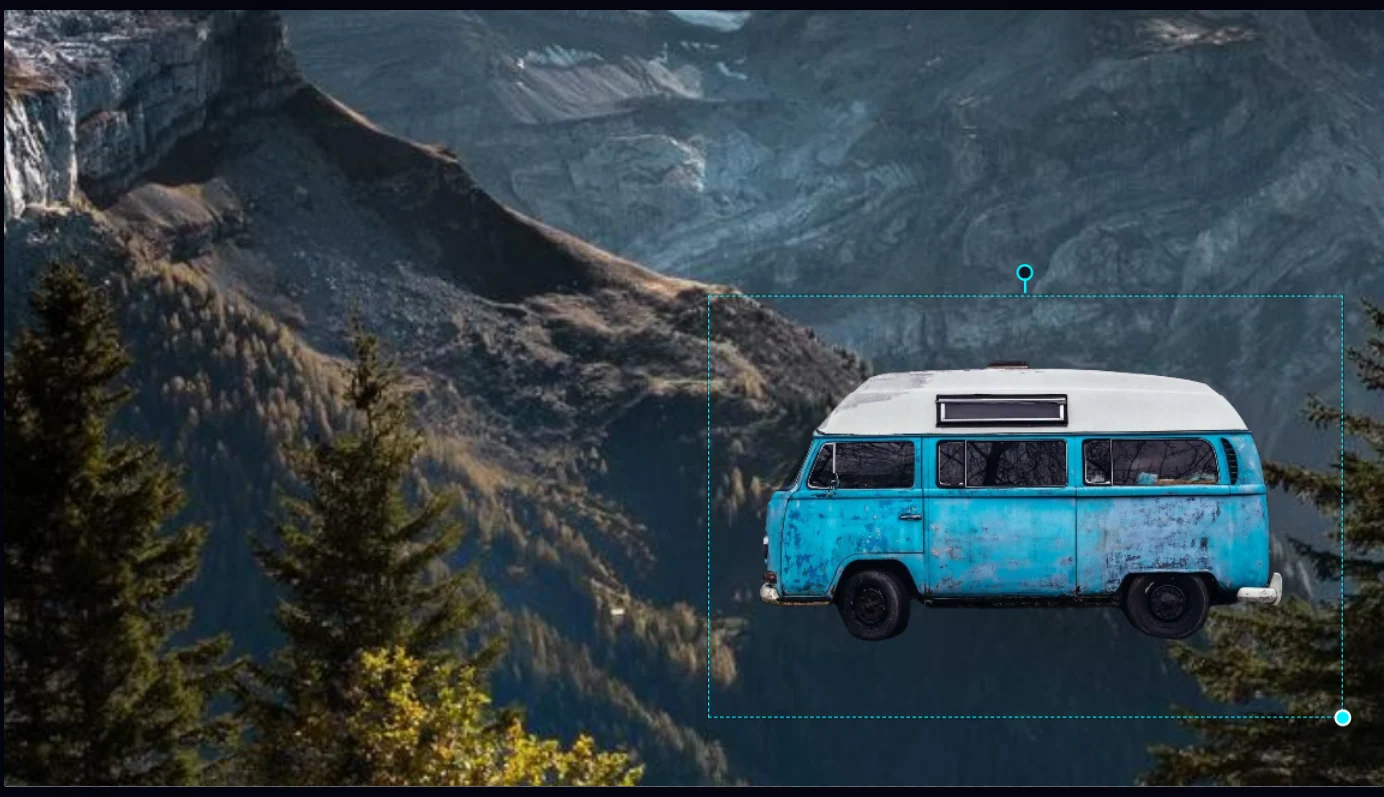
First make a transparent PNG of your subject with Remove Background, then use Place Image… again. Scale it with the corner handle and drag it to one side so there's room for the title.
#4. Give the cutout a drop shadow
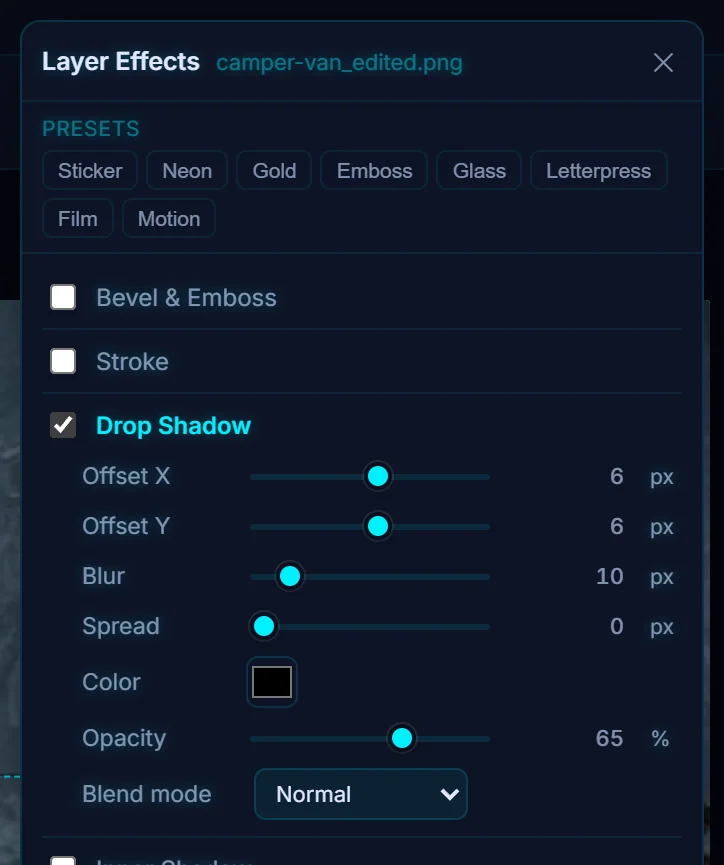
With the cutout layer selected, choose Layer > Layer Effects… and tick Drop Shadow. It lifts the subject off the background. Drop shadow, glow and stroke covers every setting.
#5. Add a big, bold title
Press T, click near the top left and type a short title. Three or four words read best at small sizes. Set the size very large (190 here) and choose a heavy font such as Impact or Bebas Neue from the font menu.
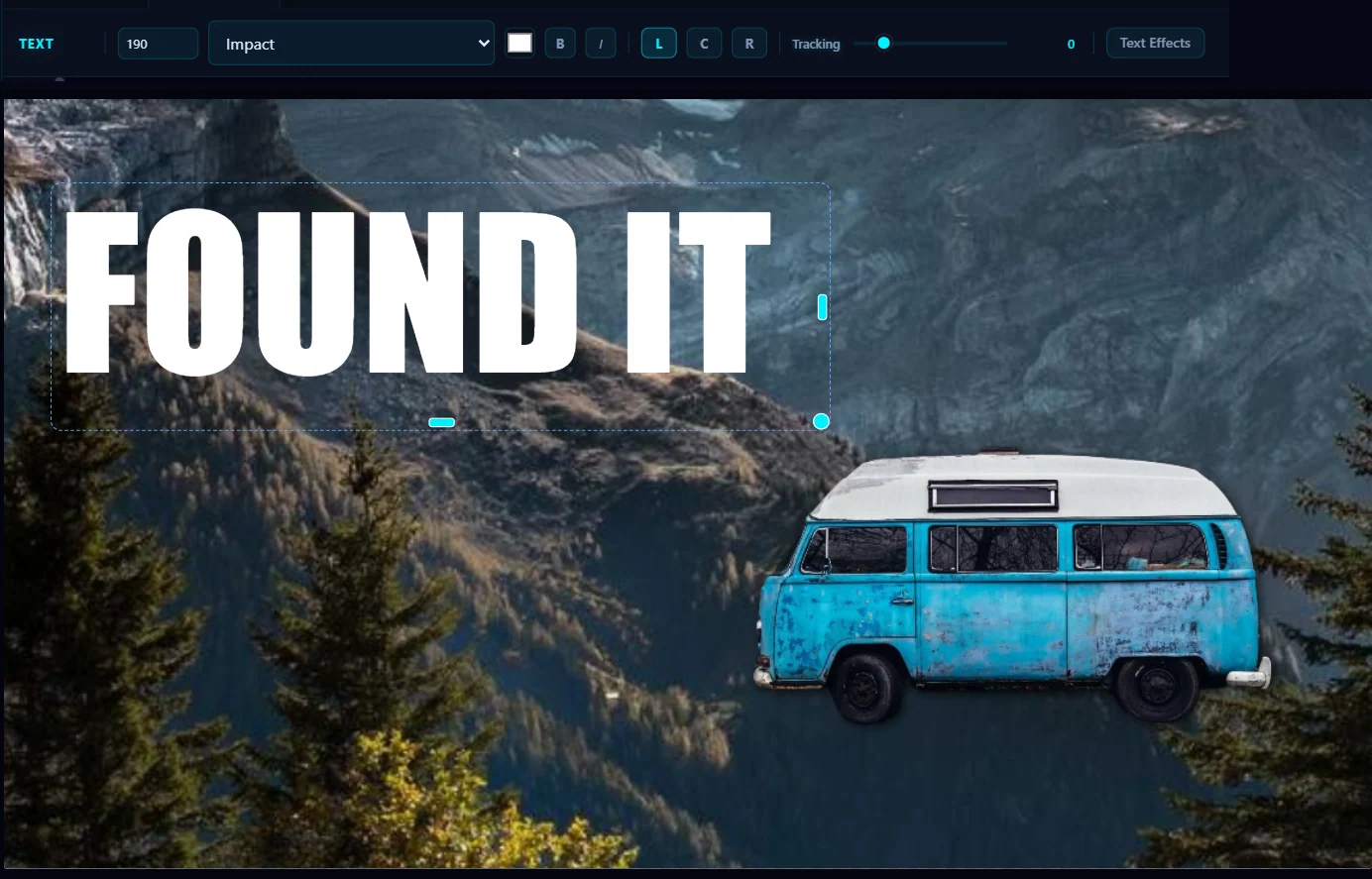
#6. Make the title stand out with Text Effects
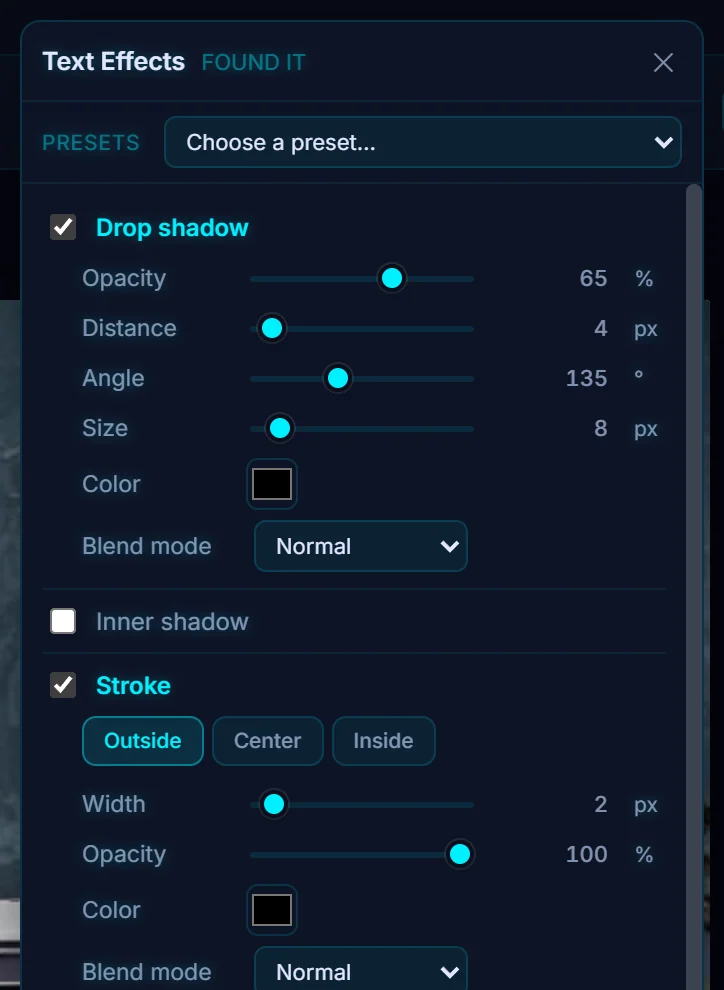
Click Text Effects in the options bar and tick Stroke and Drop shadow. The panel also has Inner shadow, Outer glow, Inner glow, Satin, Gradient fill, Pattern fill, Bevel & emboss, Background, Blur, Grain and Fire / Ice. A dark outline keeps white text readable on any background.
#7. Check it small, then export
Zoom out until the thumbnail is about the size it will be in search results, and make sure the title still reads. Then click Save as Copy, and choose JPEG in the Export tab to keep the file small.
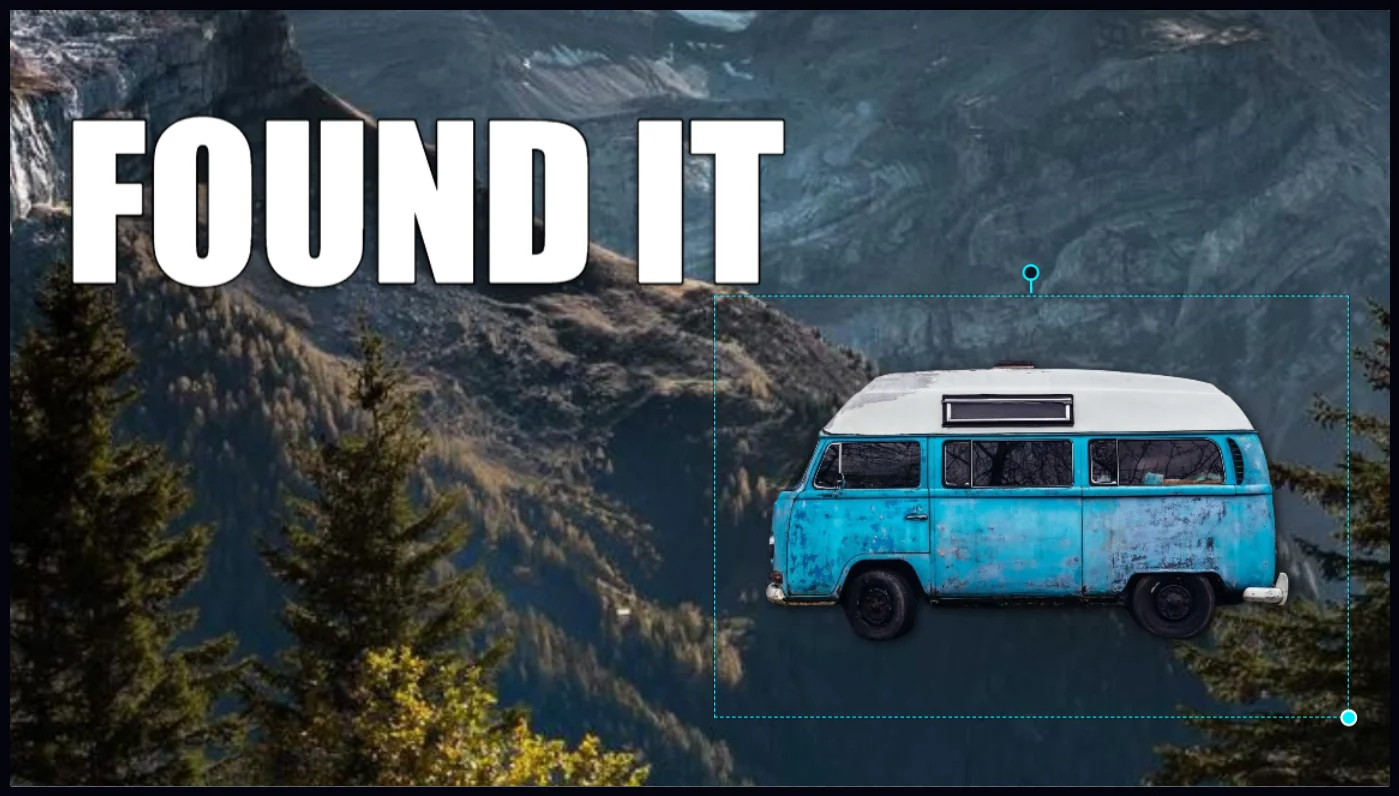
#Tips
- Use few words and big letters. Most people see a thumbnail very small.
- Contrast does more than decoration. A dark stroke and a shadow help more than a fancy font.
- YouTube sets its own maximum file size and ratio for thumbnails, so check them before you upload.
#Questions
- What size is a YouTube thumbnail?
- The editor's YouTube Thumbnail preset is 1280 × 720 pixels, which is 16:9.
- Can I make a thumbnail without an online tool?
- Yes. The Pluto Photos editor runs on your computer, so the photos you use are never uploaded.
About the photo editor · Pricing · Download Pluto Photos · Contact support