
How to Add Cinematic Effects: Letterbox, Vignette and Film Grain
Select a clip, open the Effects tab and click a Look: Trailer, Dreamy, Retro or Noir. Or move the Letterbox, Vignette, Film Grain, Blur and Sharpen sliders yourself. Each effect becomes a block on the Effects track.
Requires Pluto Photos Pro (one-time $29, no subscription). The free download includes a 30-day trial of every Pro feature.
#1. Open the Effects tab
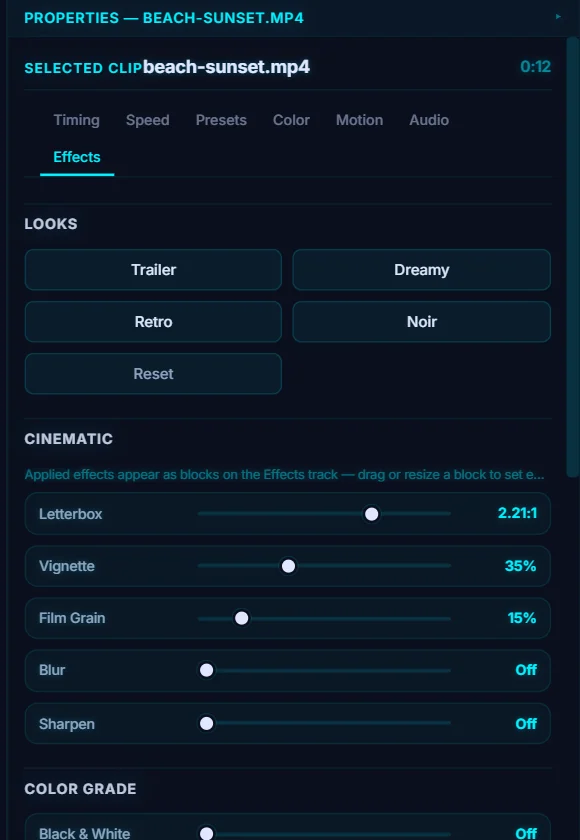
Select a clip on the timeline and open the Effects tab. The first section is Looks: Trailer, Dreamy, Retro and Noir, plus Reset.
#2. Click a Look
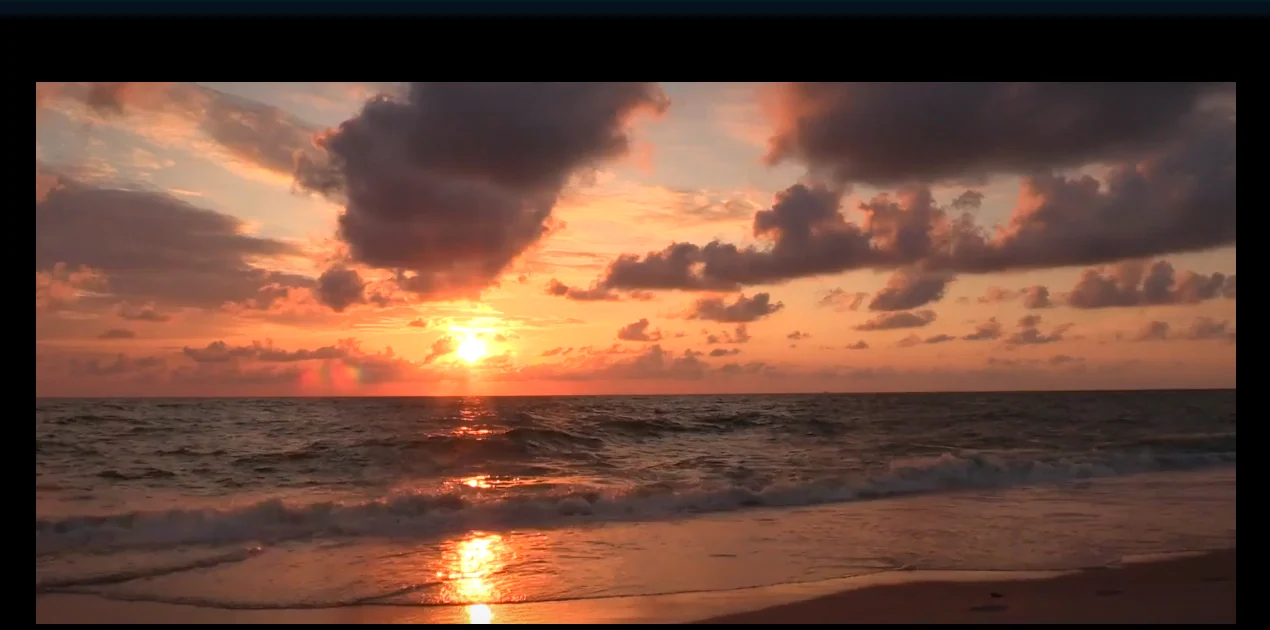
Click Trailer. It sets Letterbox to 2.25:1 (the black bars), Vignette to 35% and Film Grain to 15%, and an FX badge appears on the clip. Dreamy softens and glows, Retro adds a faded film feel, and Noir goes black and white and moody. Each Look is just a set of sliders, so you can adjust it afterwards.
#3. Or build your own
Under Cinematic, set Letterbox, Vignette, Film Grain, Blur and Sharpen one at a time. Under Color Grade, use Black & White, Sepia and Invert. Each slider reads Off at zero.
#4. Control when an effect is active
Applied effects show up as blocks on the Effects track. Drag a block to move it, or drag its edges to resize it, so an effect can start and stop part-way through the clip. The + on the Effects lane adds Letterbox, Vignette, Film Grain, Blur, Sharpen, Black & White, Sepia, Invert or a LUT as a separate block.
#Tips
- Letterbox suits 16:9 footage. It adds black bars to give a wider, film-like shape.
- Grade with a LUT first, then add grain on top.
- Reset turns the Looks and Cinematic sliders back off.
#Questions
- How do I add black bars to a video?
- Open the Effects tab and raise the Letterbox slider, or click the Trailer look.
- What is film grain for?
- It adds fine texture so digital video looks more like film, and helps hide banding in gradients.
About the video editor · Pricing · Download Pluto Photos · Contact support