
How to Remove an Object from a Photo
Press W for the Remove Object tool, click the thing you want gone so it is highlighted, then click Remove. The area is filled in from its surroundings. It runs on your computer.
Requires Pluto Photos Pro (one-time $29, no subscription). The free download includes a 30-day trial of every Pro feature.
#1. Choose the Remove Object tool
Open the photo and click the Remove Object tool (the sparkle icon), or press W. This photo has a bird flying through the clouds. The options bar tells you to click an object to select it, Alt-click to take an area out of the selection, and then click Remove.
The first time you use the tool, Pluto downloads the removal model (about 2.6 GB). After that it works offline.
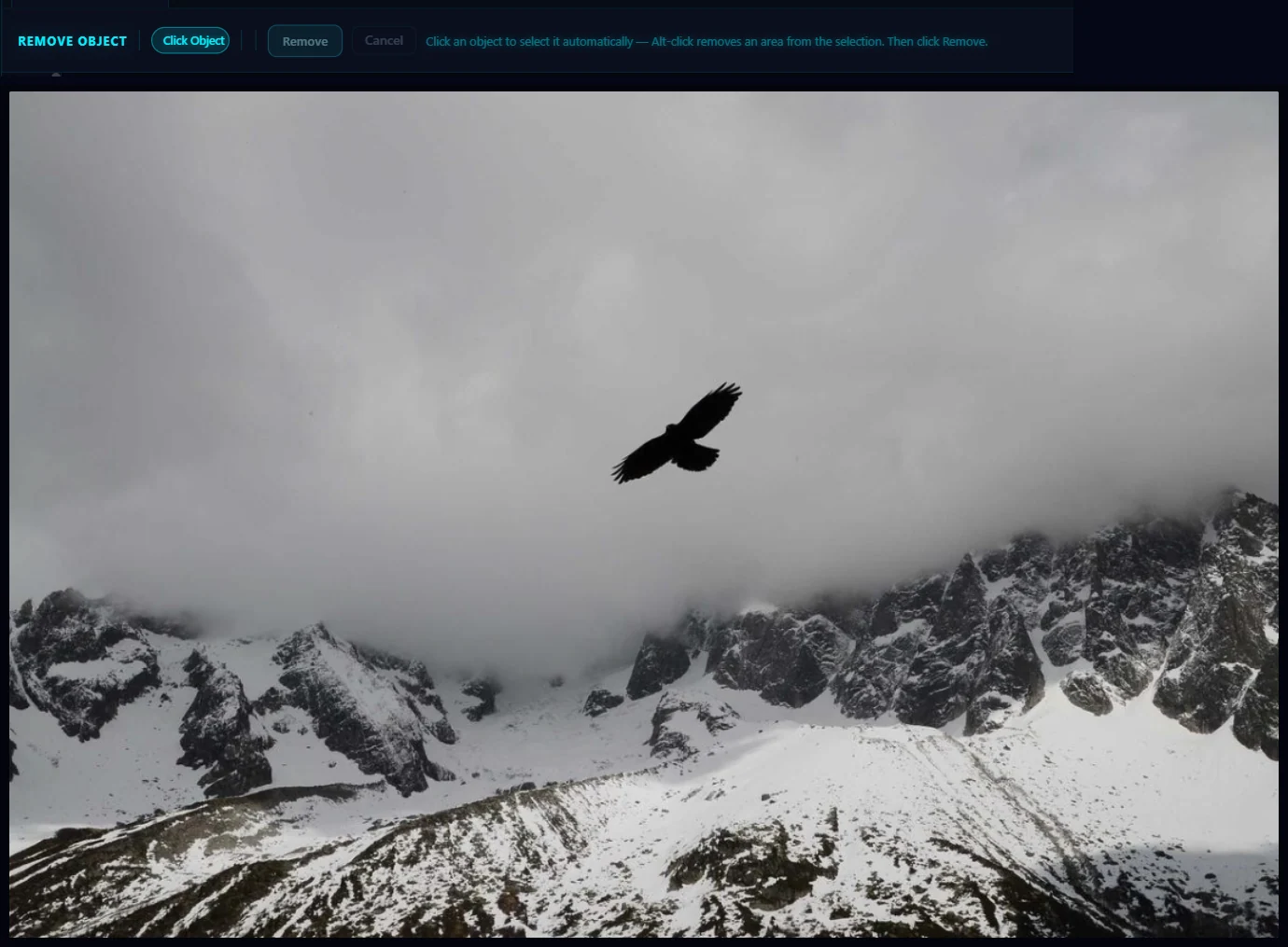
#2. Click the object
Click the bird. The editor outlines it and tints it red to show what it will remove. If it grabbed too much, Alt-click the extra area to take it out of the selection. If the object is hard to click, hover over the tool, switch Selection mode from Click Object to Brush, and paint over it.
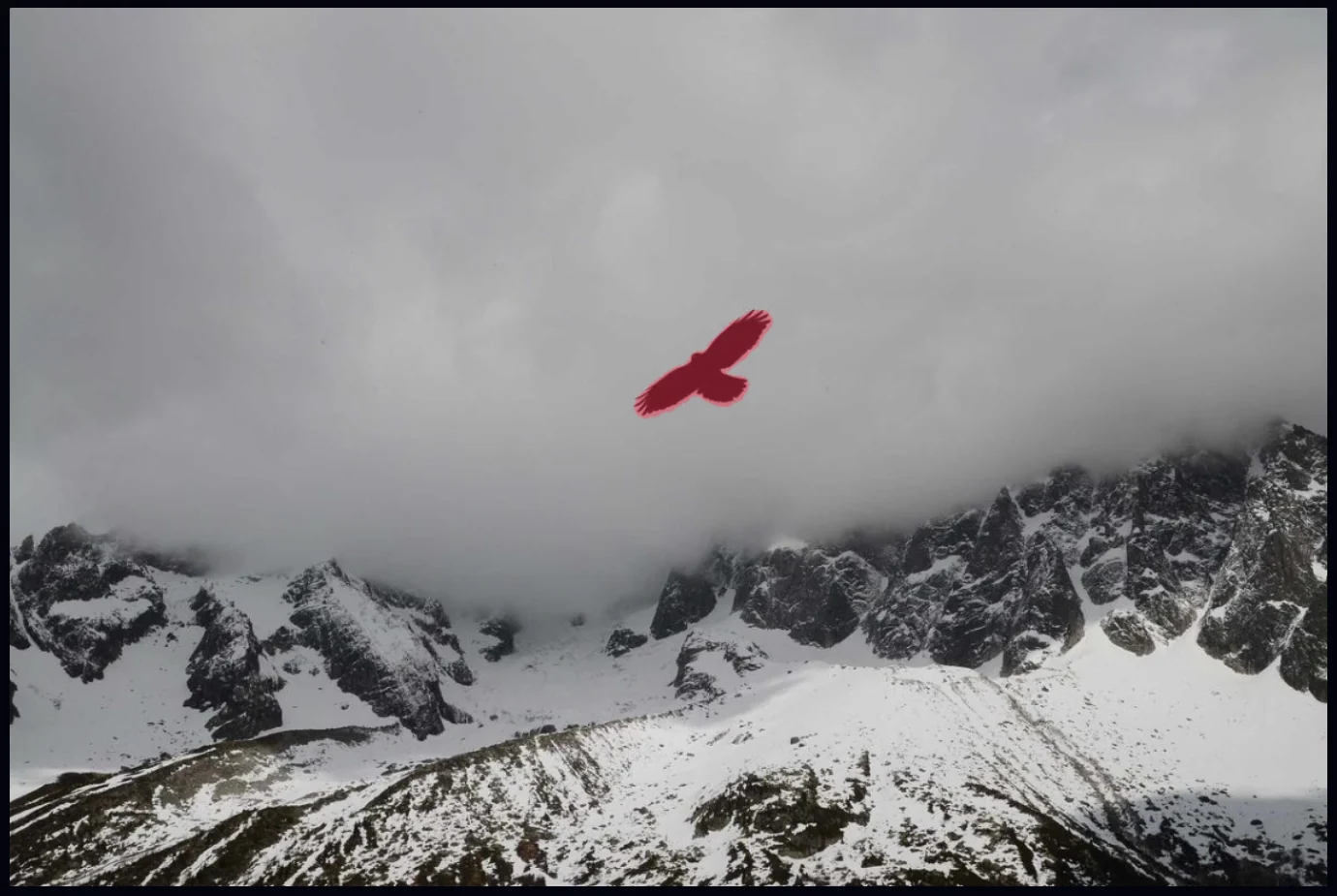
#3. Click Remove
Click Remove. The button changes to Removing… while the background is filled in. Large objects take longer, and the editor tells you so. On a slower computer, allow a minute or more.
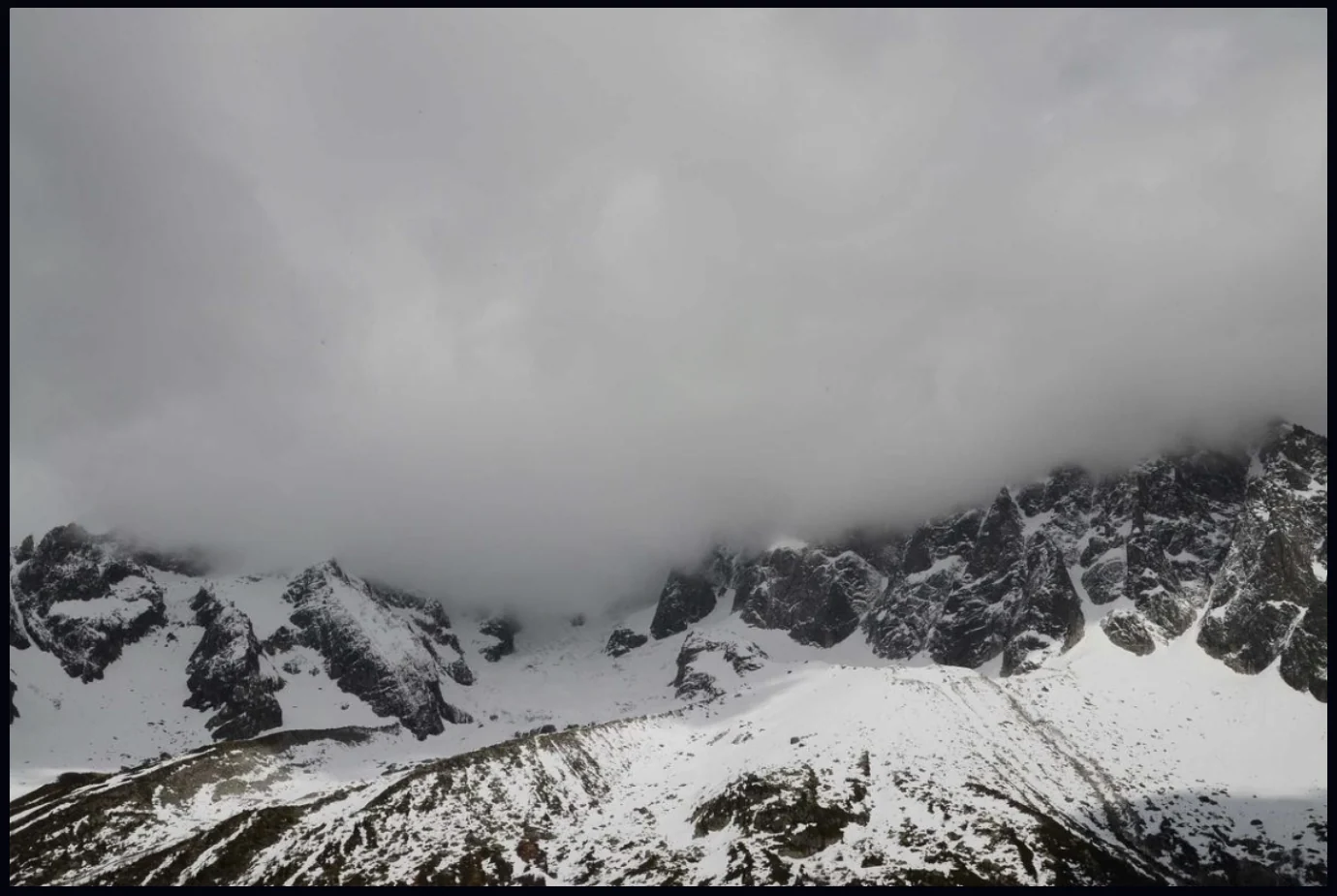
#Tips
- Simple backgrounds work best. Sky, water, grass and walls fill in cleanly, while busy patterns need a closer look at the result.
- Remove one thing at a time and check the result at 100% zoom before you carry on.
- For a small repair, like a post at the edge of the frame, the Clone Stamp gives you more control.
#Questions
- Can I remove a person from a photo offline?
- Yes. Select the person with the Remove Object tool and click Remove. It runs on your own computer with no upload.
- Why is the first removal slow?
- The first use downloads the removal model, about 2.6 GB. After that, it runs offline.
- What if the tool selects too much?
- Alt-click the extra area to remove it from the selection, or switch to Brush mode and paint exactly what you want removed.
About the photo editor · Pricing · Download Pluto Photos · Contact support