
How to Sharpen a Soft or Slightly Blurry Photo
In the Light tab raise Sharpen (0 to 10) and a little Clarity. For more control choose Filter > Sharpen > Unsharp Mask and set Amount, Radius and Threshold. Sharpening helps slight softness, not heavy blur.
Requires Pluto Photos Pro (one-time $29, no subscription). The free download includes a 30-day trial of every Pro feature.
#1. Zoom in to judge the softness
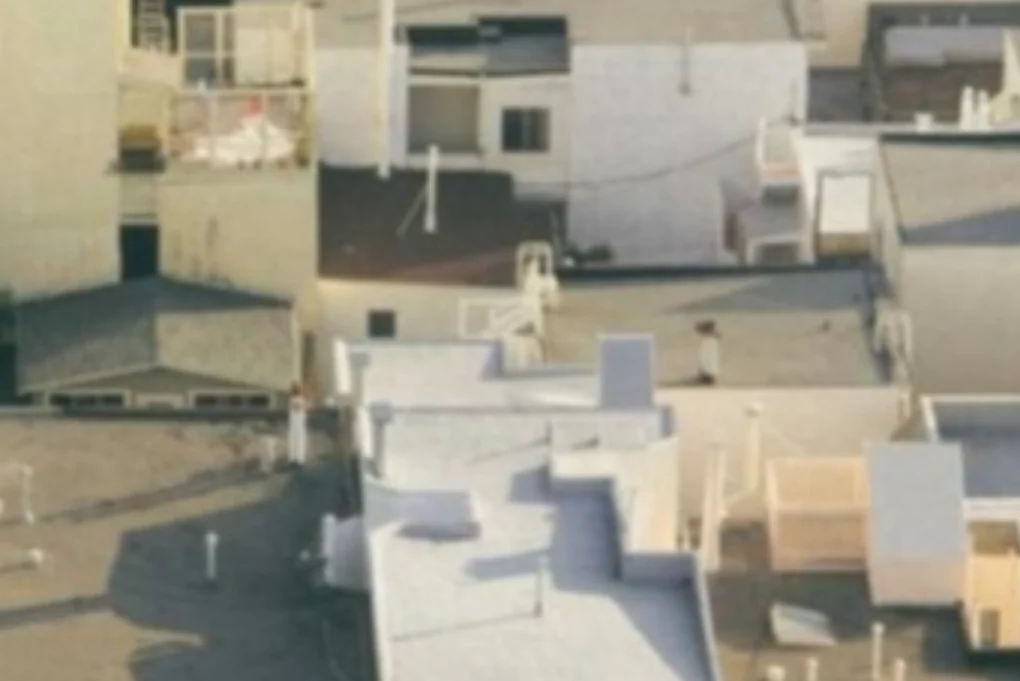
Judge sharpness at 100% zoom (the 1:1 button at the top). This street photo is a little soft, and the edges on the rooftops are smeared.
#2. Raise Sharpen and Clarity in the Light tab
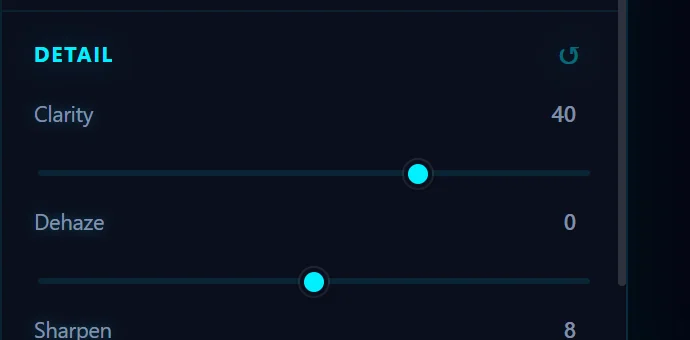
Open the Light tab. Under Detail, drag Sharpen (0 to 10) up to around 8 and add some Clarity (40 here). Clarity adds local contrast so edges stand out. Move both slowly and watch for halos around edges.
#3. Check the result
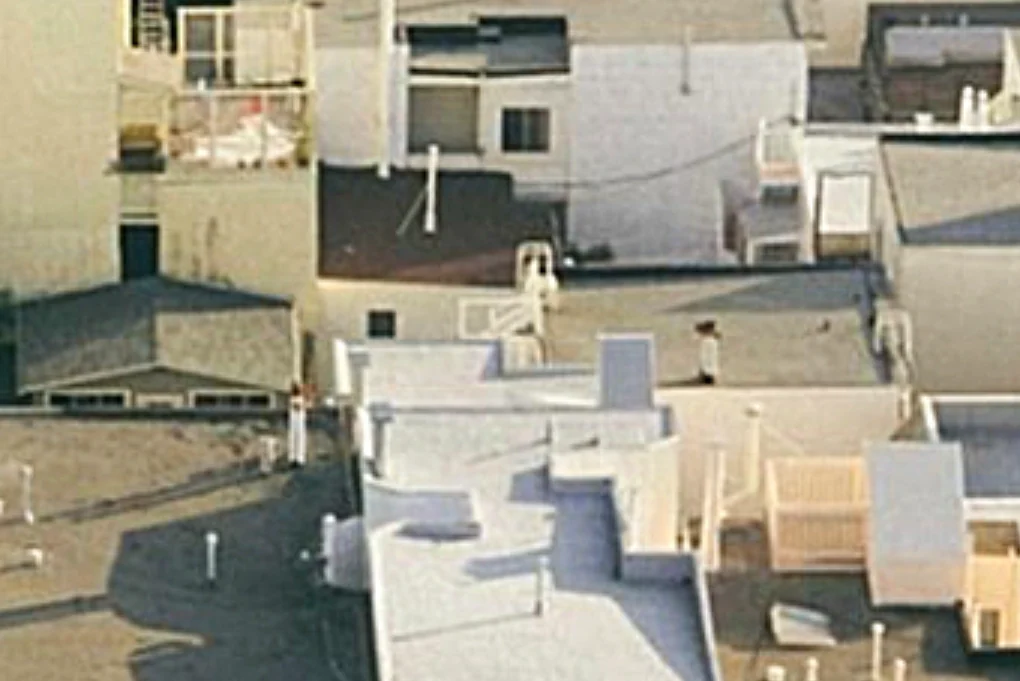
The edges are crisper and the roofs have texture again. Compare with the original using the eye button.
#4. For more control, use Unsharp Mask
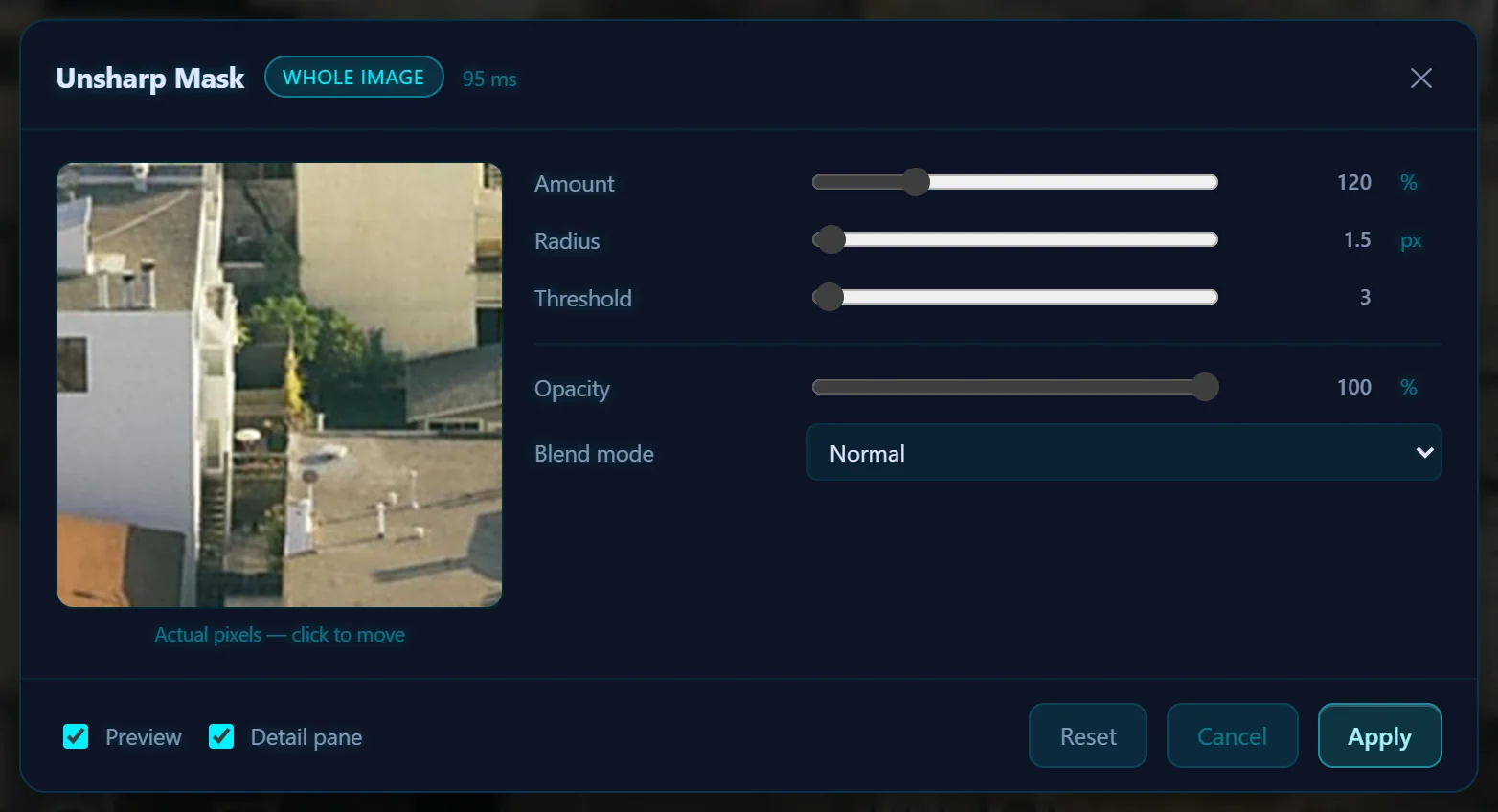
Open Filter > Sharpen. The submenu has Sharpen, Sharpen More, Unsharp Mask…, Smart Sharpen… and High Pass…. Unsharp Mask has Amount (120% by default), Radius (1.5 px) and Threshold (3), plus Opacity and Blend mode. Use a small radius for fine detail and a bigger one for large, soft photos.
#Tips
- Sharpen last, after cropping, resizing and color work.
- To sharpen only part of the photo, such as the eyes in a portrait, make a selection first.
- Sharpening can't rebuild detail that was never captured, so heavy motion blur or badly missed focus won't be fixed.
#Questions
- Can you fix a blurry photo?
- You can improve a slightly soft photo with Sharpen, Clarity or Unsharp Mask. A photo with heavy blur doesn't contain the detail needed to bring it back.
- What is the difference between Sharpen and Clarity?
- Sharpen enhances fine edges. Clarity adds contrast to mid-sized detail, which makes the photo look punchier.
- What is Unsharp Mask?
- It is a classic sharpening filter that boosts contrast along edges. Amount sets the strength, Radius sets the width of the edge effect and Threshold decides which edges to ignore.
About the photo editor · Pricing · Download Pluto Photos · Contact support