
How to Rate, Flag, Label and Tag Your Photos
Click a photo and use the panel on the right: stars to rate, the heart to favorite, the tick and cross to pick or reject, a color dot to label, and Add tag to type a keyword and press Enter.
Included in the free version of Pluto Photos (up to 500 photos).
#1. Select a photo to open its details
Click a photo. The File Details panel on the right shows its type, size, dimensions, date and camera, then the Rating, Label and Tags controls.
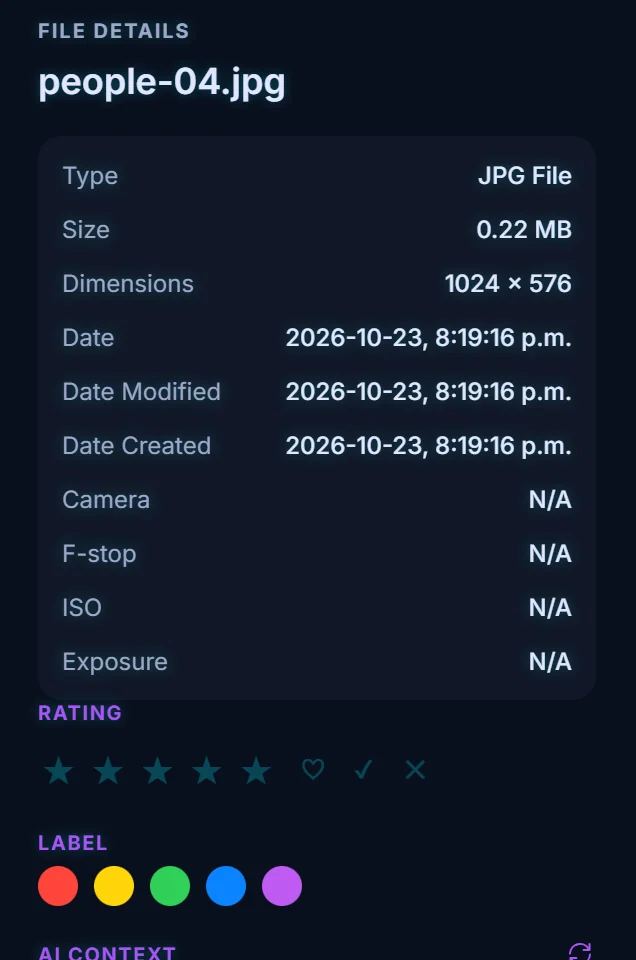
#2. Give it stars and a favorite
Click one to five stars to rate it. The panel also offers Clear rating. The heart marks the photo as a favorite, and favorites collect under Favorites in the sidebar.
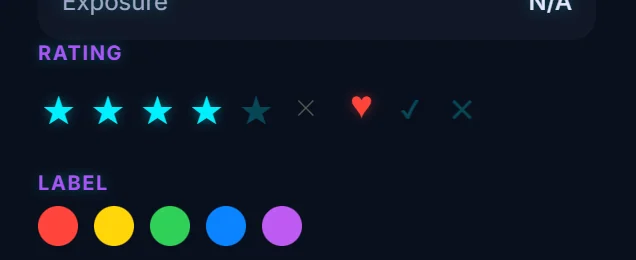
#3. Flag it as a Pick or a Reject
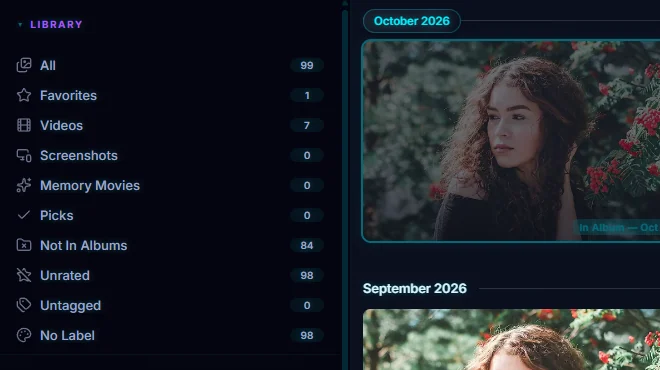
The tick next to the heart is Pick and the cross is Reject. Click the same one again to clear it. Flagged photos collect under Picks in the sidebar, which makes a quick shortlist while you cull a shoot.
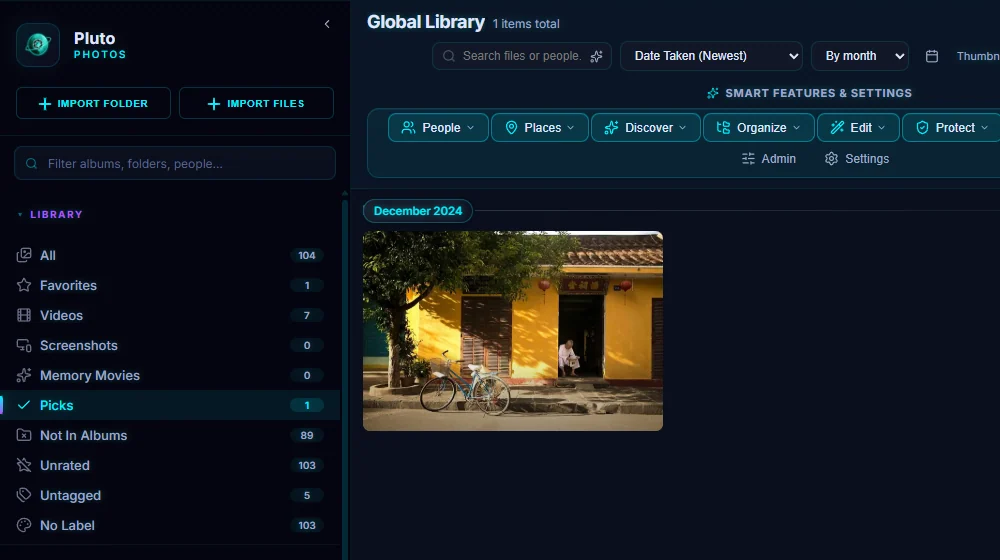
#4. Add a color label
Click one of the five color dots under Label. Use the colors for a status of your own, such as red for "needs editing". Clear label removes it.
#5. Type a tag
Click Add tag..., type a keyword and press Enter (or click +). Tags show as chips, and each has an x to remove it.
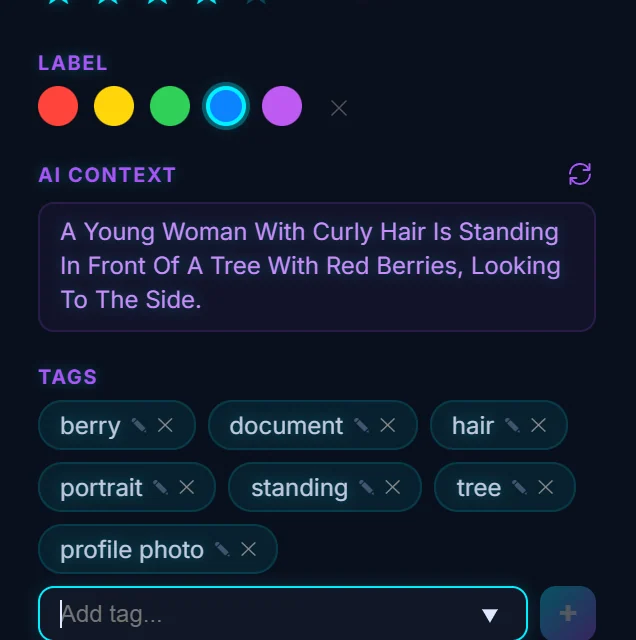
#6. See the sidebar counts change
The Unrated, Untagged and No Label views count what's left to do. As you rate, tag and label, those counts fall. Click one to work through what remains.
#Tips
- Two passes work well. Pick or reject everything first, then rate only the picks.
- To do many photos at once, use batch operations.
- To get keyword suggestions, try auto-tagging.
- Ratings and labels work as rules too. You can build a smart album of everything rated 4 stars or more.
#Questions
- What is the difference between a favorite and a pick?
- Both are quick shortlists with their own view in the sidebar. A favorite is a heart for photos you love. A pick is a flag for culling a shoot, and its opposite is Reject.
- How do I remove a tag from a photo?
- Click the x on the tag chip in the details panel.
About the photo organizer · Pricing · Download Pluto Photos · Contact support