
How to Remove Something with the Clone Stamp Tool
Press S for the Clone Stamp, Alt-click a clean area to set the source, then paint over what you want to hide. The pixels from the source are copied where you paint.
Requires Pluto Photos Pro (one-time $29, no subscription). The free download includes a 30-day trial of every Pro feature.
#1. Find what to remove
This photo of Tower Bridge has a dark wooden post at the right edge of the frame. Zoom in so you can see the area clearly.
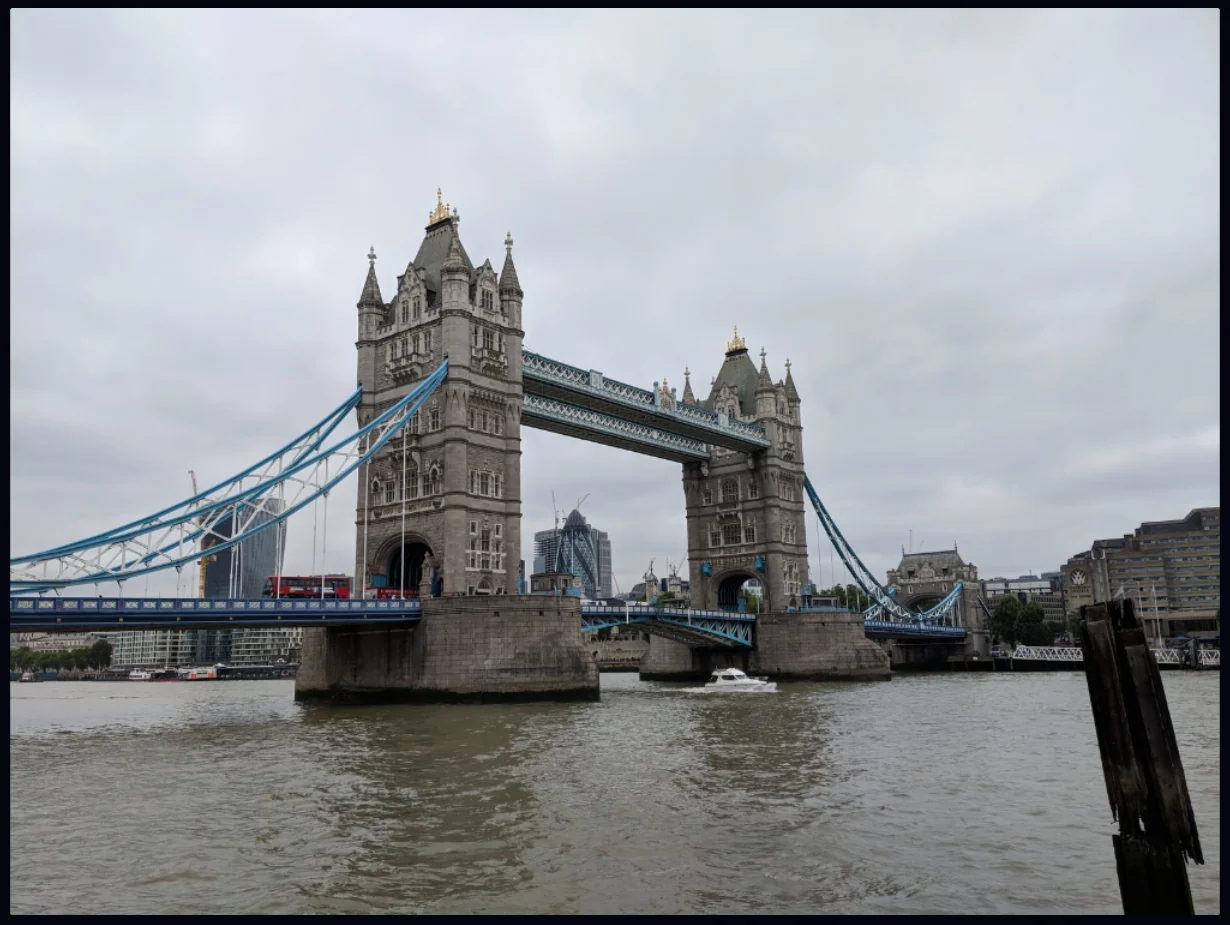
#2. Choose the Clone Stamp and set the brush
Click the Clone Stamp tool (the stamp icon) or press S. The options bar has Brush Size, Hardness and Pressure. Make the brush a little bigger than the part you want to cover (100 here) so you can do it in one stroke.

#3. Alt-click to set the source
Hold Alt and click an area that looks like what should be there. Here that's open water and bridge just to the left of the post. A small cross marks the source. The hint in the options bar says to Alt-click to copy pixels from the source point, and click to move the source.
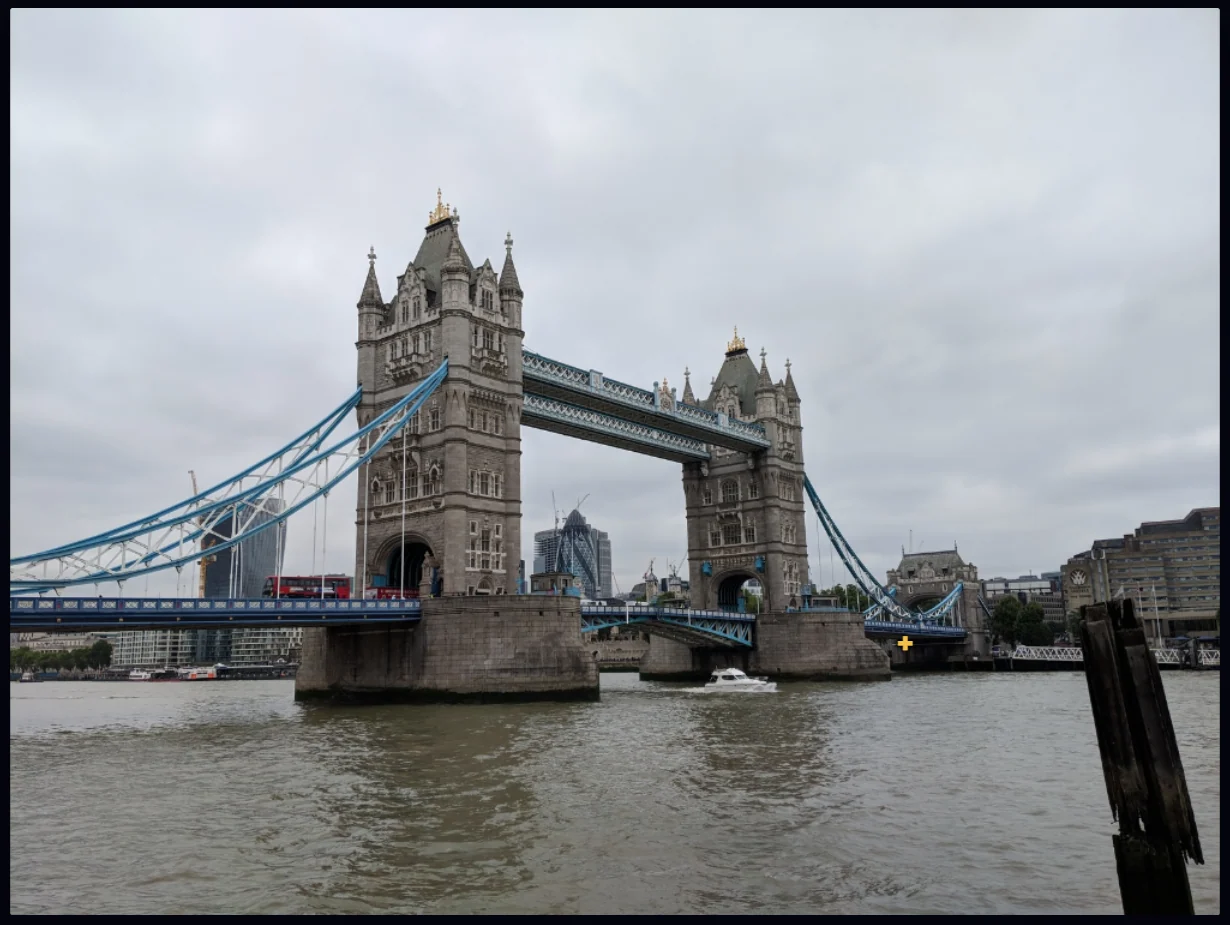
#4. Paint over the unwanted area
Paint over the post in one continuous stroke. The pixels at the source are copied under your brush, at the same offset you had when you set the source. Each stroke is added to History, so you can undo one without losing the rest.
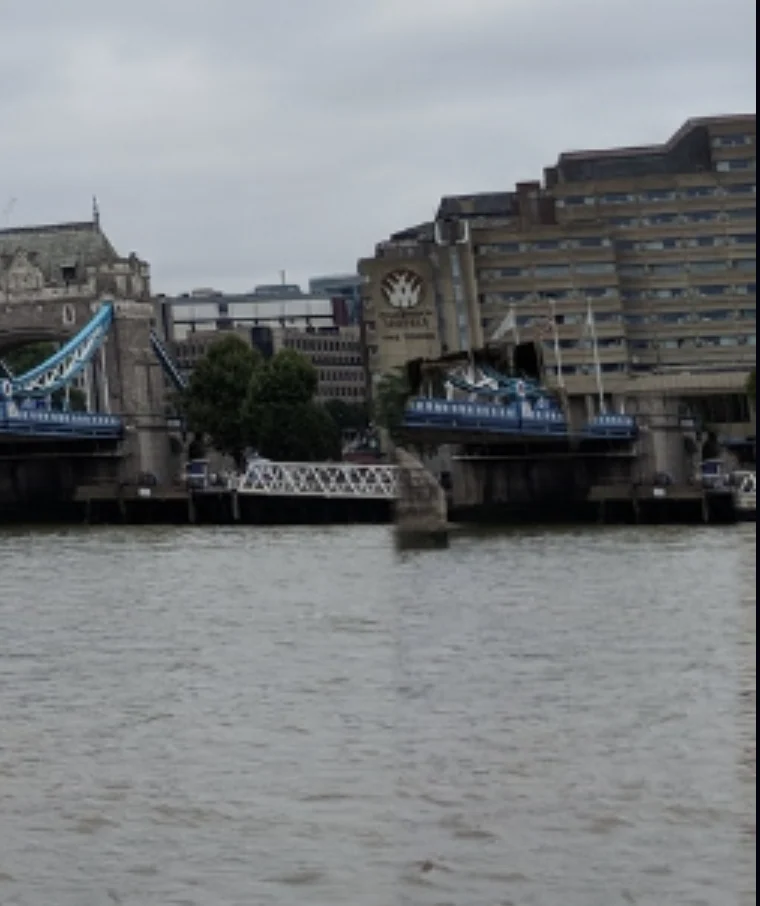
#Tips
- Sample close to the target so the light and texture match.
- Set the source again every so often. Otherwise a repeating pattern can show up.
- Use short strokes around important edges, and check the result at 100% zoom.
- For large or complicated objects, the Remove Object tool rebuilds the background for you.
#Questions
- How do I set the source point for the Clone Stamp?
- Hold Alt and click the area you want to copy from.
- What is the difference between Clone Stamp and Remove Object?
- Clone Stamp copies pixels from where you tell it to, so you control the result. Remove Object selects the item and fills it in automatically.
About the photo editor · Pricing · Download Pluto Photos · Contact support