
How to Remove the Background from a Photo (Offline, One Click)
Open the photo, go to the Effects tab and click Remove Background. The subject is cut out on your own computer in a few seconds. Fix any misses with the Restore brush, then save as PNG to keep the transparency.
Requires Pluto Photos Pro (one-time $29, no subscription). The free download includes a 30-day trial of every Pro feature.
#1. Open the photo and go to the Effects tab
Open a photo with a clear subject. This one is a camper van parked in front of trees. Click the Effects tab in the right-hand panel. Remove Background has its own section.
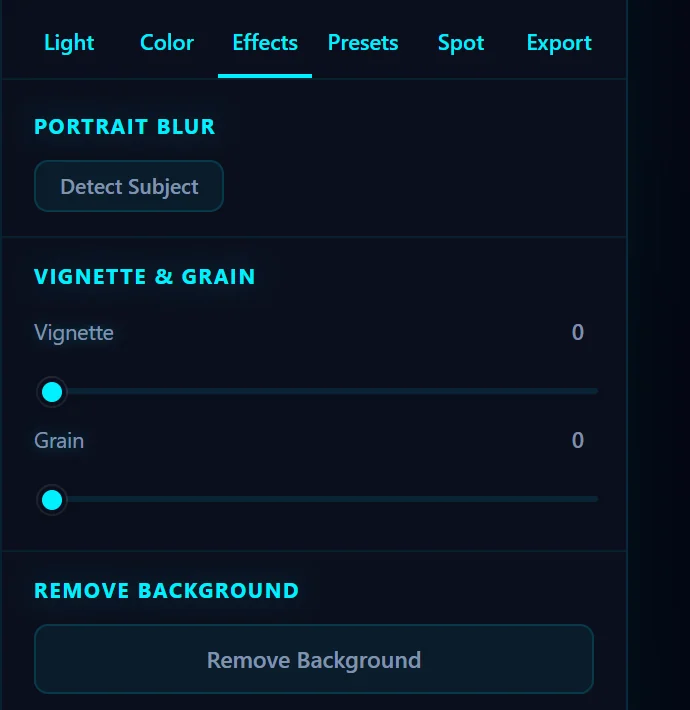
#2. Click Remove Background
Click Remove Background. The first time, the editor has to load its model, so it takes a little longer. After that it normally takes a few seconds to about a minute, depending on your computer. Nothing is uploaded, because the model runs on your machine.
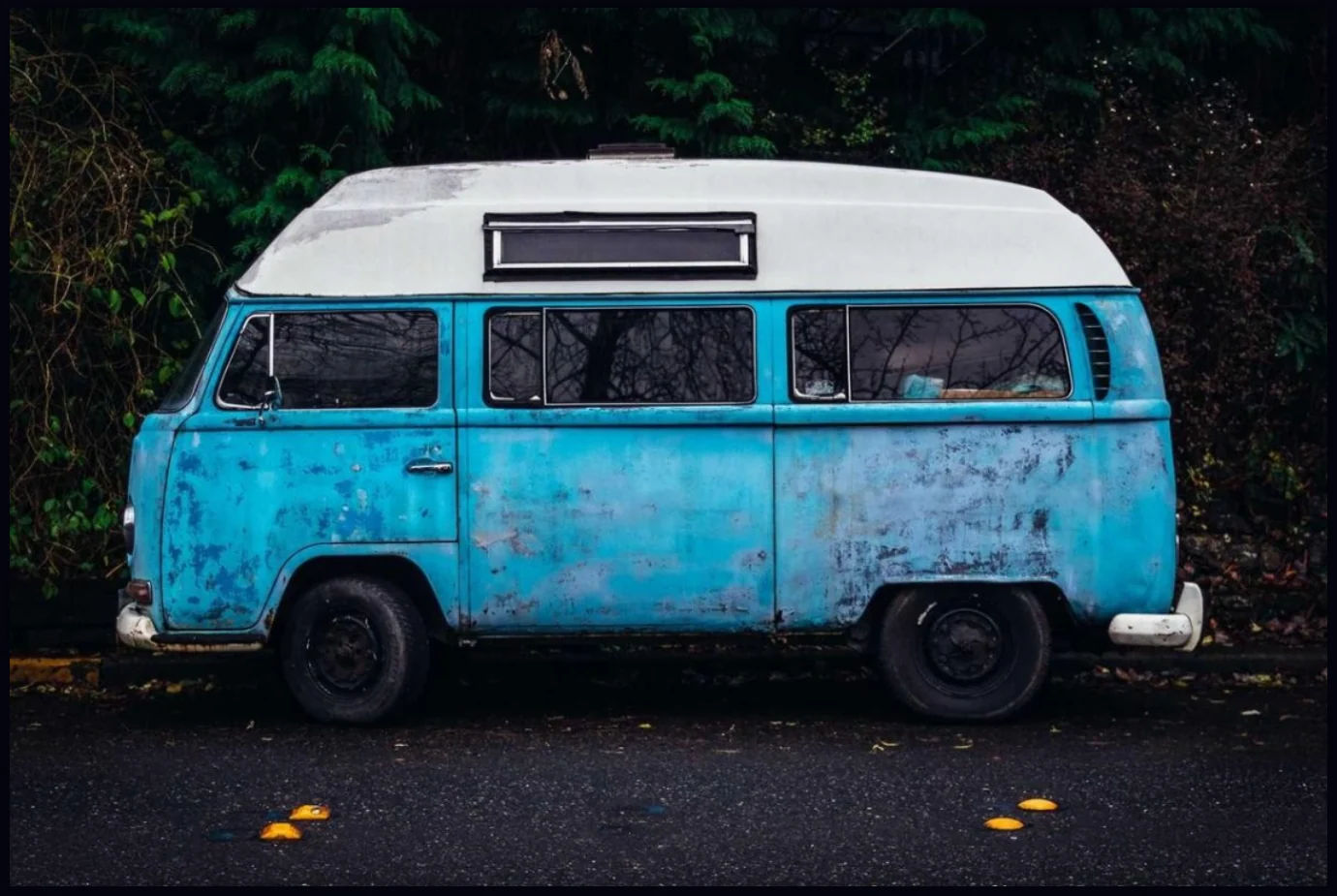
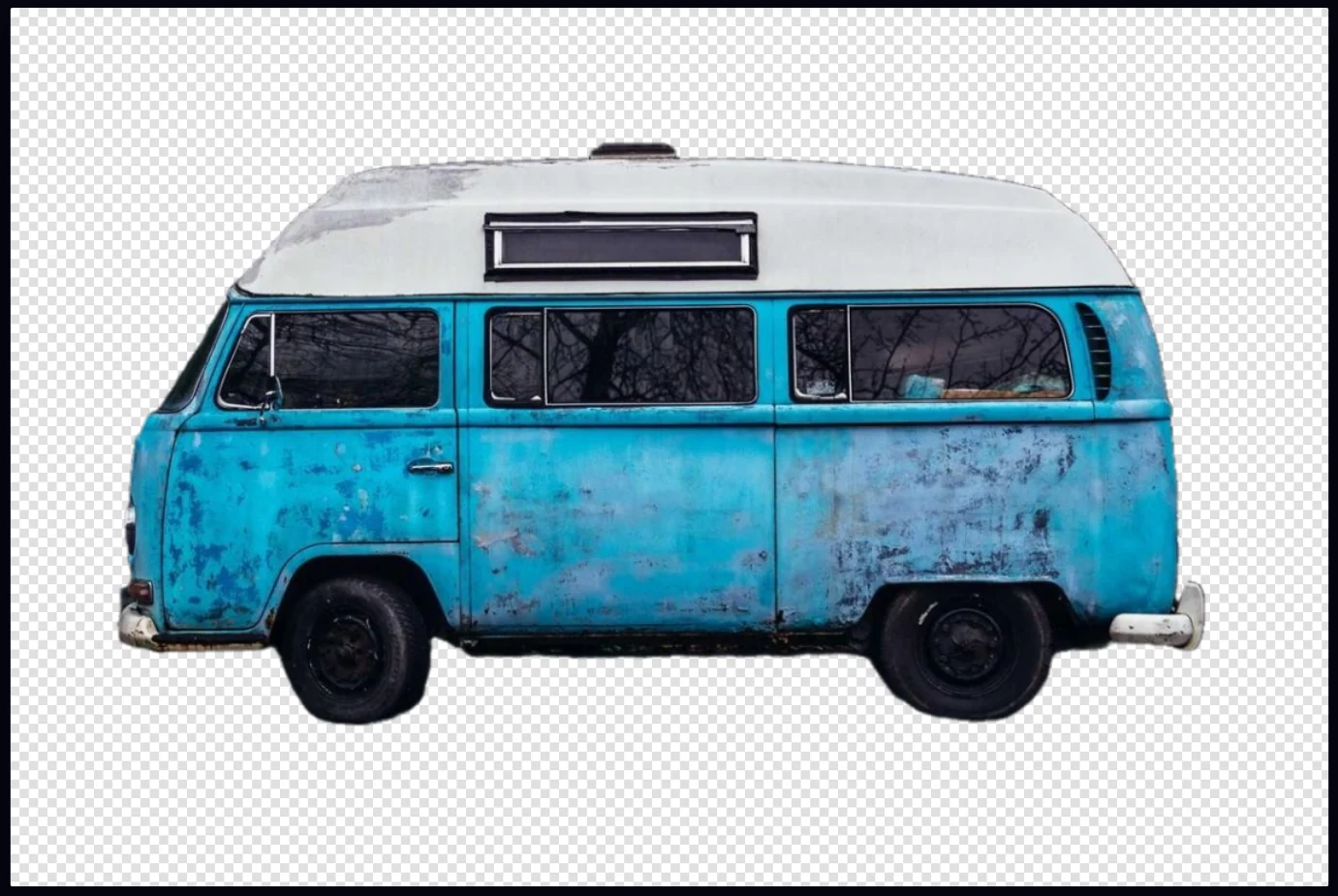
#3. Check the cutout
The subject now sits on a checkerboard, which is how the editor shows transparency. The Restore tool (R) turns itself on, so you can paint back any part the model cut away by mistake, like a thin antenna or a window.
#4. Save as PNG to keep the transparency
Open the Export tab, set Format to PNG, then click Save as Copy. A JPEG can't hold transparency, so it would fill the empty area with a solid color. To use the cutout in a design, paste it as a layer on another photo.
#Tips
- Pick a photo with clear edges. Hair, fur and glass are the hardest parts, so check them at full zoom.
- If one area is missing, paint it back with Restore. You don't need to run the removal again.
- Paste a cutout onto another photo as a layer to build a poster, a thumbnail or a product shot.
#Questions
- Is the background removal free, and does it add a watermark?
- It is part of Pluto Photos Pro, a one-time $29 purchase with a 30-day free trial. Saved cutouts have no watermark.
- Does it upload my photo?
- No. The model runs on your computer, so the photo never leaves it and the feature works offline.
- How do I get a transparent PNG?
- Remove the background, then choose PNG in the Export tab and click Save as Copy.
About the photo editor · Pricing · Download Pluto Photos · Contact support