
How to Add a Picture-in-Picture Overlay to a Video
Trim a section of a second source, then click the + in the Picture-in-Picture lane. It floats over the main video. Set its position, size, opacity, timing and volume in the Properties panel.
Requires Pluto Photos Pro (one-time $29, no subscription). The free download includes a 30-day trial of every Pro feature.
#1. Build the main video first
Add your main clip to the timeline as in how to trim a video, and load the second video with + Add Videos.
#2. Trim the overlay and click + in the Picture-in-Picture lane
Click the tab of the second video and drag its handles to choose the part you want on top. Then click the + in the Picture-in-Picture lane (tooltip: Add the current source selection as a picture-in-picture overlay). The overlay appears as a small window in the preview and as a block on the V2 track, and the message Picture-in-picture clip added confirms it.
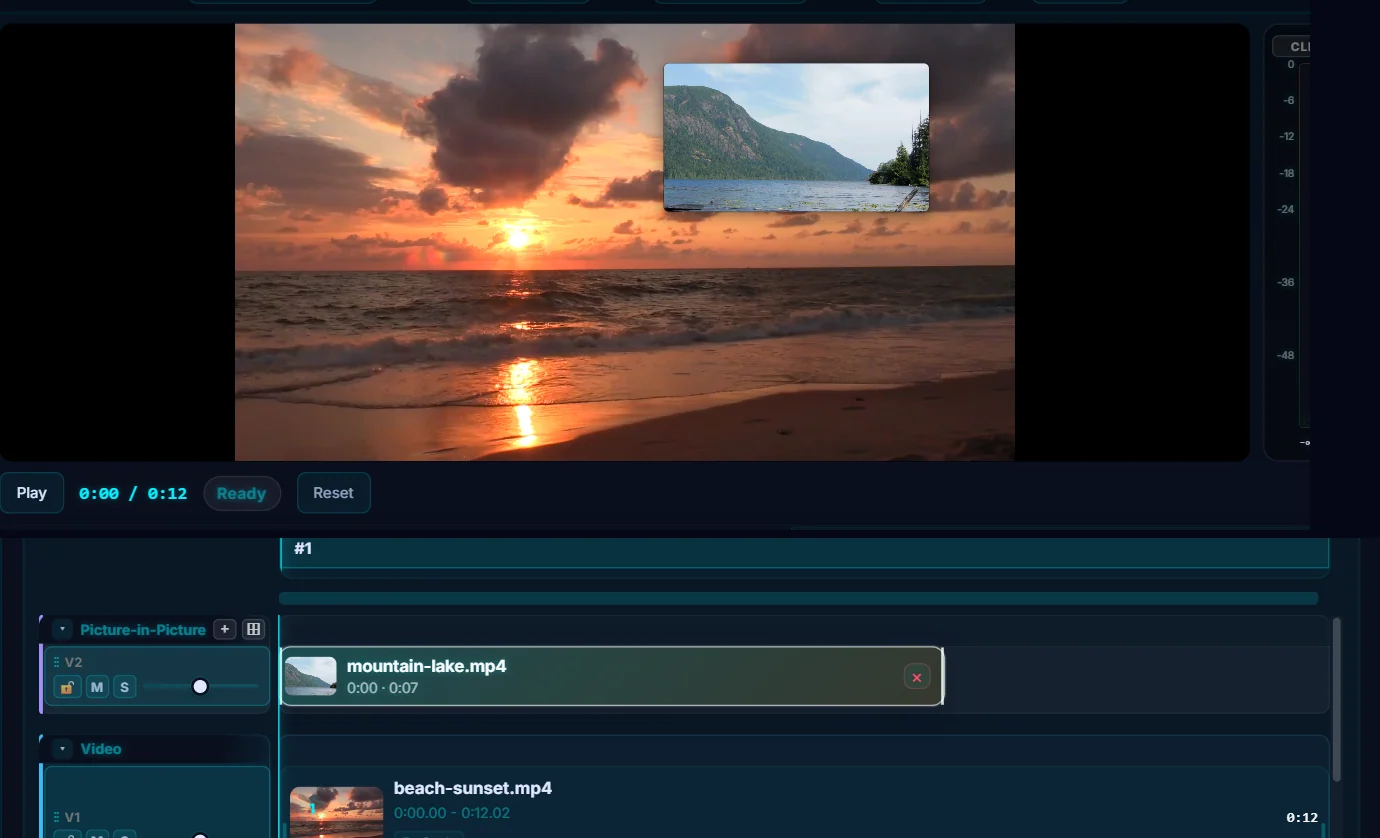
#3. Position and size it
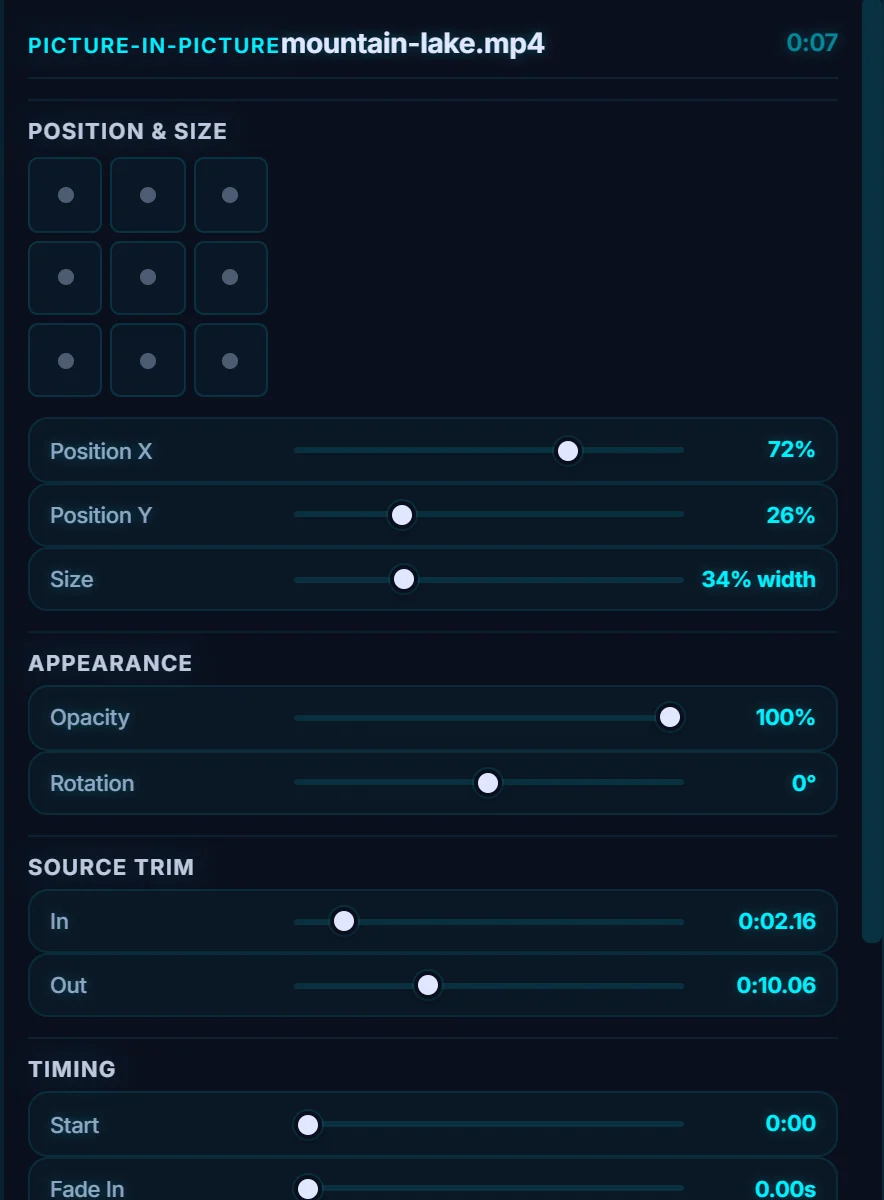
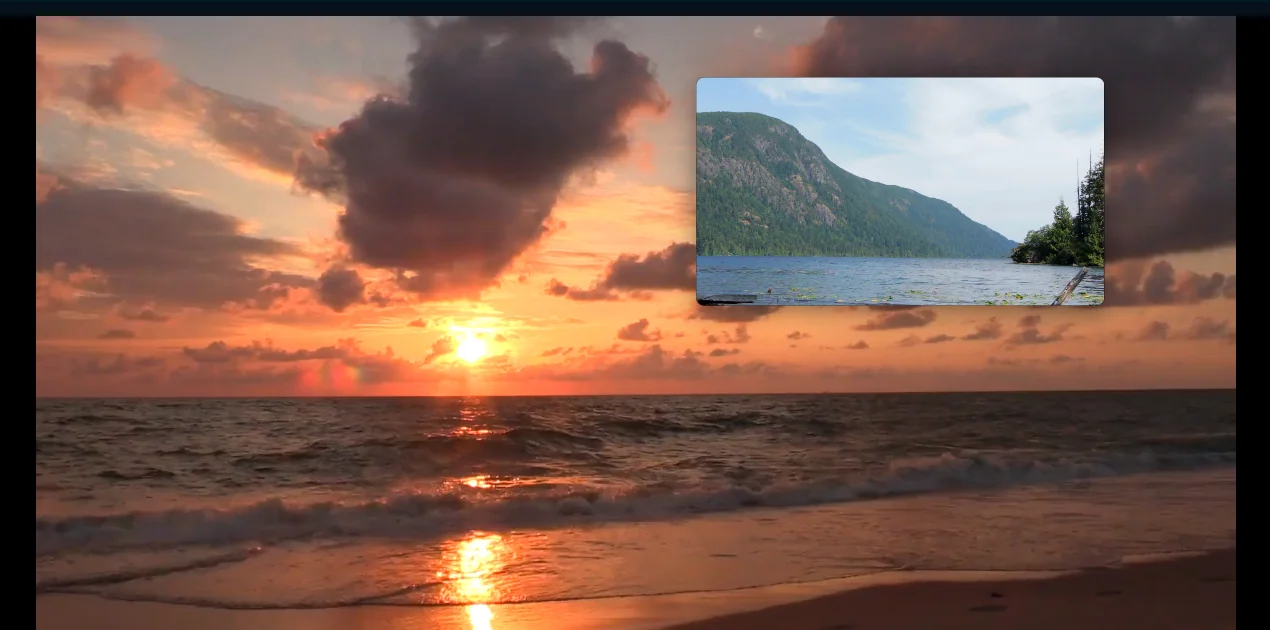
The Picture-in-Picture properties have a 3 by 3 grid of position presets, then Position X and Position Y (as percentages) and Size (as a percentage of the frame width, 34% here). You can also drag the overlay in the preview.
#4. Set opacity, trim, timing and sound
Opacity and Rotation are under Appearance. Source trim has In and Out, and Timing has Start, Fade In and Fade Out. The Audio section has the Volume of the overlay and a Mute PiP audio checkbox. Remove PiP deletes it.
#Tips
- Mute the overlay if you want the sound of the main video.
- The ⊞ button beside the lane adds another PiP track if you want more layers.
- Combine it with a green screen key to put a person over a new background.
#Questions
- What is picture-in-picture?
- It is a small video playing in a window over the main video, as in reaction videos and tutorials.
- Can I move the overlay?
- Yes. Use the position presets, the Position X and Y sliders, or drag it in the preview.
About the video editor · Pricing · Download Pluto Photos · Contact support